
To boost Wi-Fi in your smart kitchen, start by placing your router centrally and high up, away from metal appliances and obstructions. Use 2.4GHz for device communication behind cabinets and 5GHz for streaming and smart displays. Minimize interference by choosing less congested channels and consider upgrading to Wi-Fi 6 or adding mesh nodes for better coverage. Managing your devices and optimizing bands can make a big difference—discover more ways to strengthen your connection below.
Key Takeaways
- Position your router centrally near the kitchen, elevated and away from metal objects, to improve signal coverage and reduce dead zones.
- Use the 5GHz band for high-bandwidth activities and the 2.4GHz band for devices behind cabinets or near appliances for better penetration.
- Minimize interference by selecting less congested Wi-Fi channels with analyzer tools, sticking to channels 1 or 11 on 2.4GHz.
- Upgrade to Wi-Fi 6 or mesh network systems to enhance speed, capacity, and seamless coverage in the smart kitchen.
- Manage devices with QoS settings and network segmentation to prioritize essential kitchen appliances and reduce congestion.

TP-Link Deco X55 AX3000 WiFi 6 Mesh System – Covers up to 6500 Sq.Ft, Replaces Wireless Router and Extender, 3 Gigabit Ports per Unit, Supports Ethernet Backhaul, Deco X55(3-Pack)
Wi-Fi 6 Mesh Wi-Fi – Next-gen Wi-Fi 6 AX3000 whole home mesh system to eliminate weak Wi-Fi for…
As an affiliate, we earn on qualifying purchases.
As an affiliate, we earn on qualifying purchases.
Strategic Router Placement for Optimal Coverage
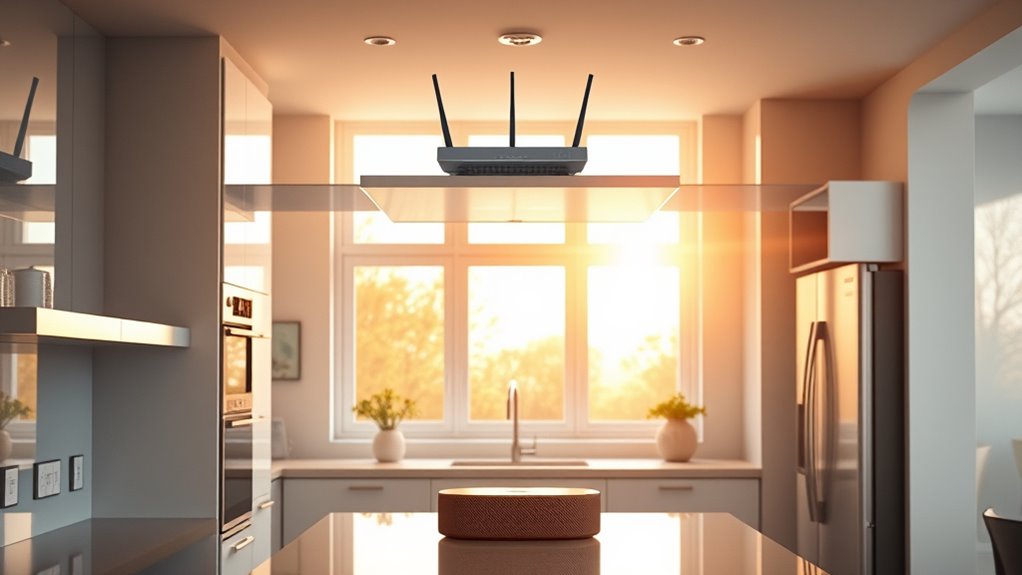
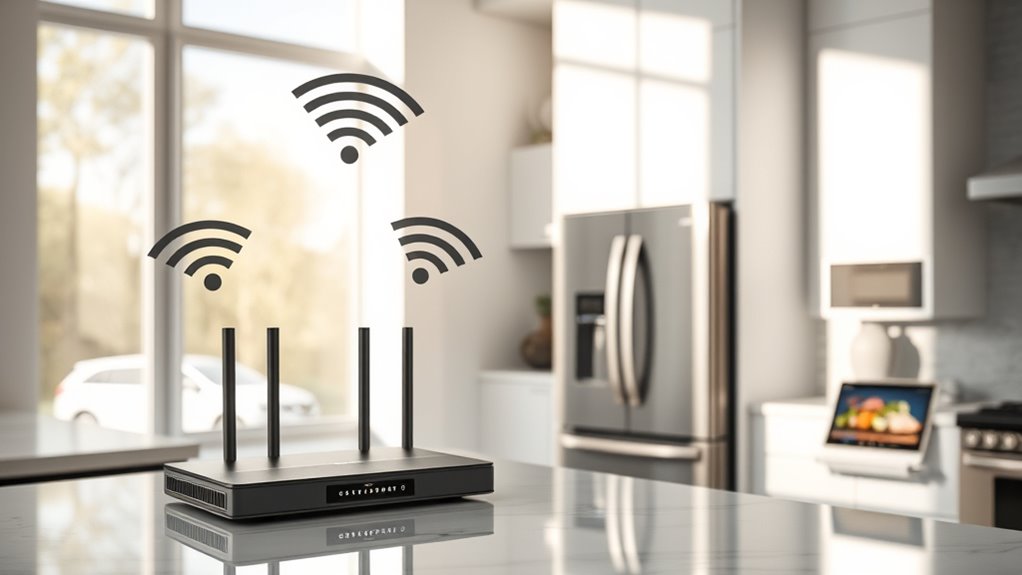
To make certain your smart kitchen receives strong Wi-Fi coverage, start by placing your router centrally with the kitchen as a priority area. This ensures signals spread evenly and minimize dead zones. Elevate the router on a shelf or mount it high on the wall to help signals travel downward, reaching appliances and devices effectively. Keep it away from floor-level obstacles and avoid placing it inside cabinets or behind bulky objects that block signals. Stay at least 5-10 feet from metal surfaces and reflective appliances like refrigerators or ovens, which can cause signal reflection. Proper router placement and positioning your router thoughtfully improves coverage, reduces dead spots, and creates a reliable foundation for your smart kitchen ecosystem. Proper placement is key to seamless connectivity across all devices, especially when considering wireless signal propagation in confined spaces. Additionally, choosing the right network frequency can further enhance your Wi-Fi strength and stability throughout your kitchen. Utilizing signal boosters or extenders can also help overcome any remaining weak spots and ensure consistent performance everywhere in your space.

2026 WiFi Extender Signal Booster – 2.4GHz 300Mbps WiFi Booster for Home, Covers Up to 9999 Sq. Ft, Easy Setup, Ethernet Port & Access Point, Stable Internet Performance with 60+ Devices
STABLE & FAST 300Mbps WiFi EXTENDER: Advanced central processing unit and powerful new-generation chips,High-speed up to 300Mbps in…
As an affiliate, we earn on qualifying purchases.
As an affiliate, we earn on qualifying purchases.
Minimizing Interference From Kitchen Appliances and Devices
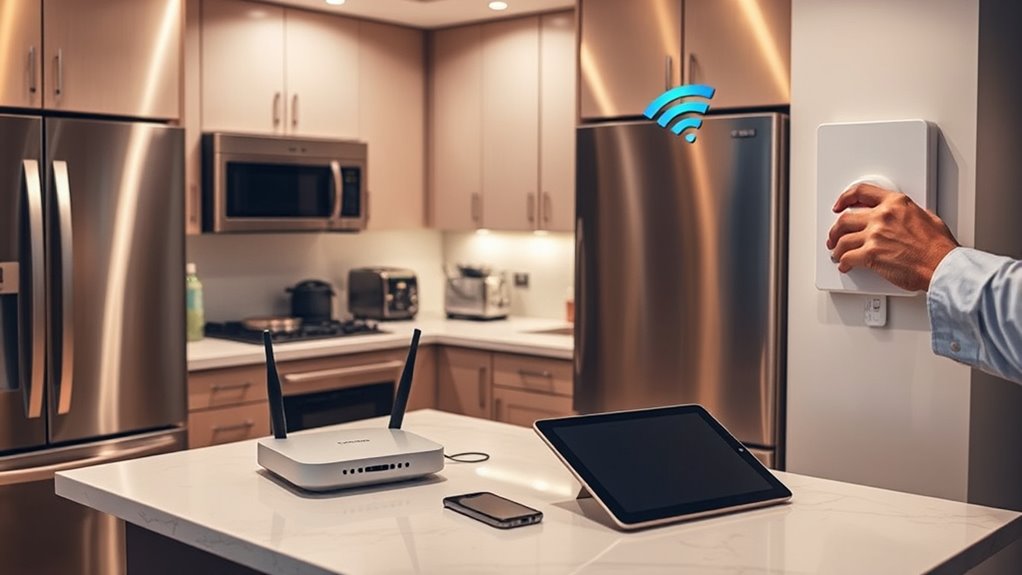
To diminish Wi-Fi interference in your kitchen, start by carefully placing appliances and devices to avoid signal reflection and absorption. Keep your router at a safe distance from sources like microwaves and metal appliances, and be mindful of the placement of Bluetooth and smart devices that emit competing signals. Managing device locations and signal sources helps ensure a stronger, more reliable Wi-Fi connection. Additionally, consider optimizing your Wi-Fi setup by adjusting your router’s placement and using signal interference mitigation techniques to further improve performance. Incorporating natural landscaping elements around your home can also help reduce interference by minimizing reflective surfaces and creating a more balanced environment for wireless signals. Being aware of electromagnetic interference sources in your kitchen can further help you identify and eliminate potential disruptions. Recognizing the impact of device placement on signal quality is essential for maintaining a robust Wi-Fi connection in your smart kitchen.
Appliance Placement Strategies
Proper appliance placement plays a crucial role in minimizing Wi-Fi interference in your kitchen. Keep large metal appliances like refrigerators and ovens away from your router to prevent signal reflection and multipath interference. Position your router at a central, elevated spot, ideally away from metal surfaces and appliances that can absorb or reflect signals. Avoid placing your router inside cabinets or behind bulky objects that block Wi-Fi waves. Maintain at least 5-10 feet distance from microwave ovens, as they operate at 2.45GHz and can cause significant disruption during use. Place Bluetooth devices, cordless phones, and LED lighting away from the router when possible. Thoughtful appliance placement reduces interference, ensuring stronger, more reliable Wi-Fi connections for all your smart kitchen devices.
Device Signal Management
Managing Wi-Fi signals effectively in your kitchen requires addressing interference from common appliances and devices. Keep your router as far from microwave ovens, cordless phones, and Bluetooth devices as possible, ideally 6-10 feet away from microwaves. Metal appliances like refrigerators and ovens can cause signal reflection, so position your router to minimize these obstacles. Use a Wi-Fi analyzer app to identify less congested channels on the 2.4GHz band—preferably channels 1 or 11—and avoid crowded channels. For high-bandwidth tasks, switch to the 5GHz band, which offers more channels and less interference. Create separate SSIDs for each band, and regularly review connected devices, removing unauthorized ones. Prioritize critical kitchen devices with Quality of Service (QoS) settings to guarantee smooth operation. Additionally, understanding signal interference helps in optimizing your setup for a stronger, more reliable connection. Being aware of Wi-Fi congestion can also assist in maintaining optimal performance during peak usage times.
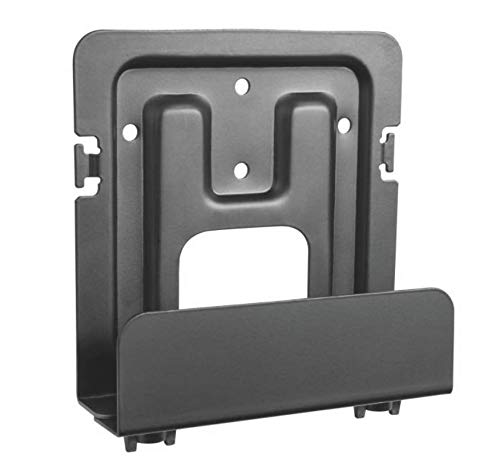
Mount Plus MP-06-02 Cable Box Mount, Modem Mount | Adjustable Wall Mount for Small and Wide Devices | Media Players, Cable Boxes, Modems, DVD Players | Game Console (Wide)
ADJUSTABLE WALL MOUNT: Check the dimensions of your device to see if it will fit with our adjustable…
As an affiliate, we earn on qualifying purchases.
As an affiliate, we earn on qualifying purchases.
Selecting the Best Wi-Fi Channels and Frequencies

Choosing the right Wi-Fi channels and frequencies is vital to minimizing interference and maximizing performance in your smart kitchen. Start by using a Wi-Fi analyzer app to identify the least congested channels, especially on the 2.4GHz band. Stick to channels 1 or 11, as they usually have less overlap and interference. For devices demanding higher speeds, switch to the 5GHz band, which offers more non-overlapping channels and less congestion. Set the 2.4GHz channel width to 20MHz to reduce interference from nearby networks. If possible, assign separate SSIDs for each band, allowing your smart kitchen devices to connect to the most suitable frequency. This setup ensures smoother operation and minimizes disruptions caused by kitchen appliances and other wireless signals. Connected equipment can benefit from optimized Wi-Fi settings to support their real-time data transfer and seamless operation. Additionally, understanding wireless interference sources within your environment can help you further improve connection reliability. To enhance overall network stability, consider router placement to reduce physical obstacles and signal loss within your kitchen space. Proper placement can also help avoid interference sources, such as microwaves or cordless phones, that may disrupt your Wi-Fi signal.

5G WiFi Analyzer, 2.4G Signal Strength Meter, Network Analyzer with 2.4 Inch TFT Color Screen and Light Indication – Rechargeable Battery, Type C Charging, Ideal for WiFi Optimization
[Wifi Signal Strength Meter]: Easily identify crowded frequency points and switch to clearer channels to boost your Wi-Fi…
As an affiliate, we earn on qualifying purchases.
As an affiliate, we earn on qualifying purchases.
Managing Your Smart Kitchen Devices Effectively
To keep your smart kitchen running smoothly, you need to prioritize your devices and organize your network effectively. Setting up device prioritization guarantees essential appliances get the bandwidth they need, while network segmentation keeps your smart devices separate from guest traffic. By managing these strategies, you’ll maintain a responsive and reliable smart kitchen environment.
Device Prioritization Strategies
Effective device prioritization guarantees your smart kitchen runs smoothly, especially when multiple devices compete for bandwidth. You can assign priority levels to essential devices like your smart fridge or voice assistant, ensuring they get the bandwidth they need. Use your router’s Quality of Service (QoS) settings to manage this easily. Prioritizing critical devices prevents lag during important tasks, like cooking or timers. Additionally, understanding Gold IRA Markets can help you make informed investment decisions outside your home technology setup. Recognizing the importance of home network management ensures your entire system operates efficiently and securely. Focusing on assigning higher priority to devices that require real-time responses or continuous connection, optimizing your smart kitchen’s performance. Knowing how to optimize your Wi-Fi connection further enhances the reliability of your smart devices and overall network. Incorporating lifestyle products designed for connectivity can also improve device compatibility and performance.
Network Segmentation Techniques
Implementing network segmentation helps guarantee your smart kitchen devices operate smoothly without competing for bandwidth. By creating separate networks or VLANs for your kitchen gadgets, you isolate their traffic from the rest of your household. This prevents congestion and ensures critical devices like smart refrigerators or voice assistants stay responsive. You can set up a dedicated guest network to keep visitors’ devices separated, reducing interference and security risks. Using a dual-band or tri-band router allows you to assign smart kitchen devices to a specific band, optimizing performance. Additionally, configuring Quality of Service (QoS) settings prioritizes essential kitchen communications. Network management techniques can further help monitor and optimize device performance. Overall, network segmentation keeps your smart kitchen running efficiently, minimizes interference, and enhances your control over connected devices.
Upgrading Network Hardware for Better Connectivity

Upgrading your network hardware can substantially enhance your smart kitchen’s Wi-Fi performance, especially as more devices connect and demand higher bandwidth. Switching to a Wi-Fi 6 (802.11ax) router boosts speed, capacity, and efficiency, helping your smart appliances run smoothly. Installing mesh network nodes ensures consistent coverage throughout your kitchen, eliminating dead zones. If your kitchen is far from the main router, use Powerline adapters to transmit data through electrical wiring, reducing signal loss. Directional high-gain antennas can focus coverage precisely where you need it most. Consider a dual-band or tri-band router to separate kitchen device traffic from other household activities, reducing congestion. These upgrades improve stability, speed, and overall reliability, making your smart kitchen smarter and more responsive. Smart Home Technology can also benefit from local automation to optimize network traffic and device performance. Incorporating network security measures is essential to protect your connected devices from potential threats and unauthorized access. Additionally, selecting hardware with compatibility with existing devices ensures seamless integration and future scalability. Using advanced network hardware can further future-proof your setup and accommodate emerging smart kitchen innovations, especially as nanotechnology advances open new possibilities for connectivity and device integration.
Optimizing Frequency Bands for Different Kitchen Applications

Optimizing your Wi-Fi frequency bands for different kitchen applications guarantees that each device performs at its best. Use the 2.4GHz band for devices behind cabinets or near appliances because it offers better wall penetration and longer range. Reserve the 5GHz band for high-bandwidth tasks like streaming videos or using smart displays, since it provides faster speeds but less coverage. Connect IoT devices such as smart refrigerators and sensors to 2.4GHz for reliable communication. Meanwhile, entertainment gadgets like tablets or smart TVs should use 5GHz for smooth streaming. If available, Wi-Fi 6E introduces the 6GHz band, which offers interference-free operation for critical kitchen applications. Properly assigning devices to these bands guarantees peak performance and minimizes interference in your smart kitchen. Understanding Wi-Fi bands helps ensure you optimize your network effectively. Additionally, band selection is crucial for reducing network congestion and ensuring consistent device performance.
Utilizing Mesh Networks and Signal Boosters

If your smart kitchen struggles with Wi-Fi dead zones or inconsistent coverage, using mesh networks and signal boosters can make a significant difference. Mesh systems create multiple access points that work together seamlessly, guaranteeing strong, consistent signals throughout your kitchen. Place nodes strategically—preferably one near your router and another close to the kitchen for maximum coverage. Signal boosters, or extenders, amplify your existing Wi-Fi signal, filling gaps where coverage drops. When choosing a booster, ensure compatibility with your router and select one with enough range for your space. Both options reduce dead zones, improve device responsiveness, and support multiple smart appliances simultaneously. Proper placement and configuration are key to maximizing their effectiveness, giving you a reliable, high-performance Wi-Fi network in your smart kitchen. Additionally, understanding your space‑heating options can help optimize overall comfort and connectivity in your kitchen environment.
Tips for Maintaining a Reliable and Fast Smart Kitchen Network

Maintaining a reliable and fast smart kitchen network requires ongoing attention to your Wi-Fi setup and device management. Regularly update your router’s firmware to fix bugs and improve performance. Keep an eye on connected devices, removing unused or unauthorized ones that can clog bandwidth. Prioritize critical kitchen devices with QoS settings to ensure they function smoothly during busy times. Use a dedicated SSID for your smart kitchen devices to prevent congestion. Schedule high-bandwidth activities, like streaming or software updates, during off-peak hours. Reboot your router periodically to refresh connections. Keep your Wi-Fi channels optimized by analyzing interference sources and switching channels accordingly. Finally, consider hardware upgrades like Wi-Fi 6 or mesh systems to support multiple devices and ensure consistent, fast coverage.
Frequently Asked Questions
How Can I Prevent My Smart Kitchen Devices From Causing Wi-Fi Congestion?
To prevent your smart kitchen devices from causing Wi-Fi congestion, prioritize device management. You should create a separate guest network for visitors and non-essential devices, which keeps your main network less crowded. Use Quality of Service (QoS) settings to assign higher priority to critical kitchen gadgets, and regularly audit connected devices to remove unused ones. Also, upgrade to a dual- or tri-band router to distribute device traffic more effectively.
What Are the Best Practices for Securing My Smart Kitchen Network?
You should secure your smart kitchen network by changing default passwords on all devices, enabling WPA3 or WPA2 encryption, and updating firmware regularly. Create a separate guest network for visitors to prevent unauthorized access to your main devices. Turn off remote management features when not needed, and disable UPnP to reduce vulnerabilities. By practicing these steps, you keep your smart kitchen protected from potential threats and unauthorized access.
How Often Should I Update My Router Firmware for Optimal Performance?
You should update your router firmware at least every 2 to 3 months to keep your network running smoothly. Some might worry about the time it takes, but regular updates fix bugs, improve security, and enhance performance. Don’t skip this step; it’s essential for your smart kitchen devices to function efficiently, especially with new features and fixes that can prevent disruptions or slowdowns in your connected appliances.
Can I Prioritize Smart Kitchen Device Traffic Without Affecting Other Devices?
Yes, you can prioritize your smart kitchen device traffic without affecting other devices by setting up Quality of Service (QoS) on your router. Access your router’s settings and assign higher priority to specific devices or applications used in your kitchen. This guarantees critical smart appliances stay responsive, even when other devices demand bandwidth. Just remember to regularly review and adjust QoS rules as your device usage evolves.
What Troubleshooting Steps if My Wi-Fi Signal Drops Near Kitchen Appliances?
When your Wi-Fi signal drops near kitchen appliances, you should first move your router away from reflective surfaces and metal objects that cause interference. Next, elevate it to a higher position for better coverage. Use a Wi-Fi analyzer app to identify less congested channels and switch to the 5GHz band for less interference. If issues persist, consider upgrading to a mesh system or adding a dedicated access point for stronger, consistent coverage.
Conclusion
With a few thoughtful tweaks, you can turn your smart kitchen into a seamless hub of connectivity. By strategically placing your router, minimizing interference, and considering network upgrades, you’ll enjoy a more reliable and faster connection. Embrace these simple tips to unleash smoother device interactions and make your smart kitchen experience truly effortless. After all, a well-connected kitchen makes cooking and multitasking a lot more enjoyable—without a hitch.