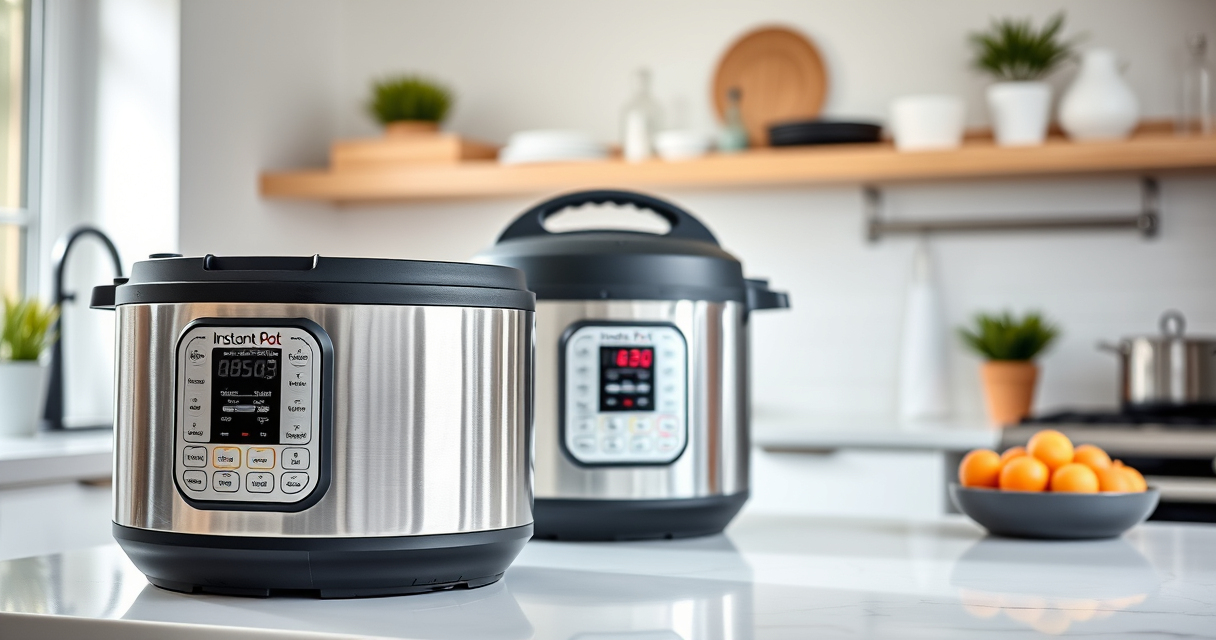

If your Instant Pot displays a burn error, it can interrupt your cooking and cause frustration. This guide provides clear, practical steps to identify causes and fix the issue safely. Understanding the common reasons behind this error helps you prevent future occurrences and ensures your meals are cooked perfectly every time.

Get kitchen gear delivered free with Prime
- Fast, free delivery on millions of items
- Prime Video, Amazon Music and more included
- Member-only deals all year
Key Takeaways
| Common Causes | Burn errors often result from food sticking to the bottom or insufficient liquid. |
| Safety First | Always turn off and unplug your Instant Pot before troubleshooting. |
| Cleaning Matters | Regular cleaning of the sealing ring and inner pot can prevent errors. |
| Proper Liquid Levels | Ensure enough liquid is used to generate steam and pressure. |
| Layering Food | Avoid overfilling or uneven layering to prevent sticking. |
Step 1: Turn Off and Unplug the Instant Pot
- Press ‘Cancel’ to stop the cooking process.
- Unplug the device from the power outlet.
- Allow it to cool for at least 10-15 minutes before handling.
Step 2: Release Pressure Safely
Depending on your model, use the quick release (venting) method or natural release to safely release built-up pressure. Do not attempt to open the lid while still under pressure to avoid injury.
Step 3: Check for Food Sticking or Burnt Residue
- Open the lid carefully.
- Inspect the bottom of the inner pot for burnt food or residue.
- If burnt, gently scrape off the residue using a non-abrasive spatula.
Step 4: Clean and Inspect Sealing Components
- Remove the sealing ring and wash it thoroughly with warm soapy water.
- Inspect the sealing ring and lid for cracks or damage.
- Clean the inner pot and lid thoroughly.
Step 5: Add Adequate Liquid and Adjust Food Layering
- Ensure at least 1 to 1.5 cups of liquid for most recipes.
- Avoid overfilling and evenly distribute ingredients.
The Products in This Guide

Instant Pot 4QT RIO Mini 7-in-1 Multi-Cooker
- ✔ Capacity: 4 QT
- ✔ Functions: 7-in-1
- ✔ Material: Stainless Steel

AOZITA Steamer Basket
- ✔ Type: Steamer Basket
- ✔ Capacity: Two-tier
- ✔ Material: Stainless Steel
Instant Pot 4QT RIO Mini 7-in-1 Multi-Cooker
The Instant Pot 4QT RIO Mini 7-in-1 Multi-Cooker offers versatile cooking functions in a compact design. It’s perfect for small households and quick meals, with easy-to-use controls and consistent performance.
Pros:
- 7-in-1 functionality
- Compact size
- Easy to clean
- Fast cooking times
Cons:
- Limited capacity for large meals
- Slightly smaller steaming area
- Requires careful cleaning of sealing ring
Best for: Small families, singles, students
Not ideal for: Cooking for large groups or big families
Bottom line: A versatile, space-saving cooker ideal for small kitchens.
AOZITA Steamer Basket
The AOZITA Steamer Basket expands your Instant Pot’s capabilities by allowing simultaneous steaming and multi-layer cooking. It’s a durable and practical addition for versatile meal prep.
Pros:
- Two-tier design
- Stainless steel mesh
- Easy to clean
- Fits 6 & 8 qt models
Cons:
- Adds some height inside the pot
- Requires careful stacking
- Cleaning may be needed after steaming
Best for: Steaming vegetables, seafood, dumplings
Not ideal for: Cooking large quantities of rice or grains
Bottom line: Great accessory to maximize your Instant Pot’s steaming options.
Frequently Asked Questions
Can I open the Instant Pot immediately after the burn error appears?
No, always release the pressure safely using the quick or natural release method before opening the lid.
What should I do if the burn error keeps appearing?
Ensure there is enough liquid, avoid overfilling, and clean the bottom of the inner pot regularly to prevent burnt residues.
Is it safe to continue cooking after clearing the burn error?
Yes, once the residue is cleaned and the issue fixed, you can resume cooking. Always verify the ingredients and liquid levels first.
Can I prevent the burn error in future cooking sessions?
Yes, by adding sufficient liquid, avoiding overfilling, and stirring ingredients before sealing the lid can help prevent burn errors.
Mastering Your Instant Pot for Smooth Cooking
Burn errors can be frustrating, but with these simple troubleshooting steps and maintenance tips, you can keep your Instant Pot running smoothly. Proper cleaning, correct liquid levels, and mindful layering can prevent most issues, ensuring your meals are cooked safely and efficiently every time.
Affiliate disclosure: As an Amazon Associate we earn from qualifying purchases. Prices and availability are accurate as of the time of publishing.
Fall Picks
fall essentials
As an affiliate, we earn on qualifying purchases.