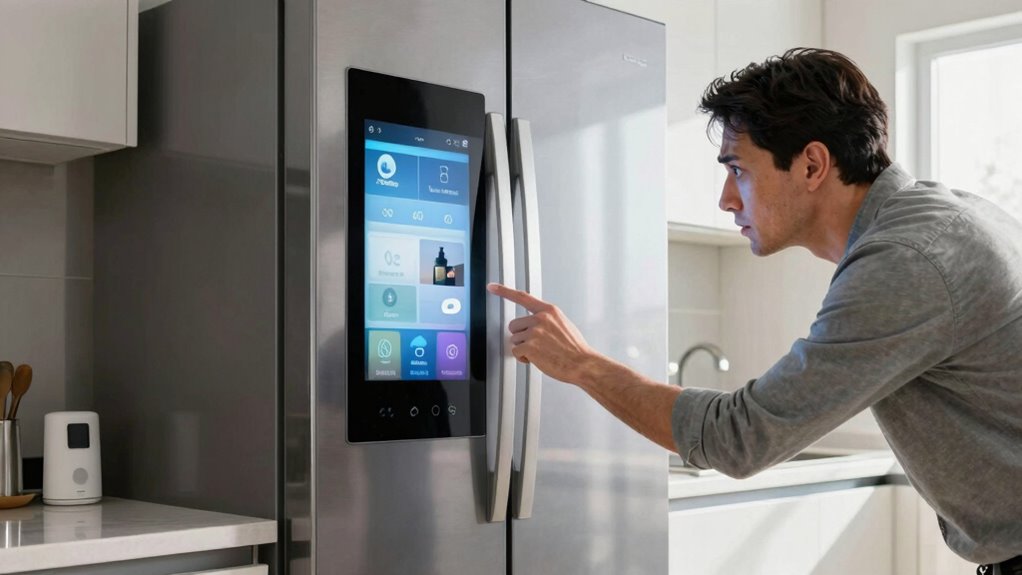
When your smart appliance stops responding, start by checking the power supply and Wi-Fi connectivity. Make sure it’s plugged in and the outlet works. Then, confirm it’s connected to the right Wi-Fi network and check the signal strength. Look for firmware updates in the companion app and consider resetting the appliance to clear any glitches. If these steps don’t solve the problem, there’s more useful info ahead to get it back on track.

Get kitchen gear delivered free with Prime
- Fast, free delivery on millions of items
- Prime Video, Amazon Music and more included
- Member-only deals all year
Key Takeaways
- Ensure the appliance is plugged in and the outlet is functioning properly to verify power supply.
- Check Wi-Fi connectivity by confirming the appliance is on the correct network with adequate signal strength.
- Look for any available firmware updates in the companion app or on the manufacturer’s website.
- Perform a reset to restore default settings and clear minor glitches following the user manual.
- Refer to the user manual for specific troubleshooting steps and check for error messages or indicators.
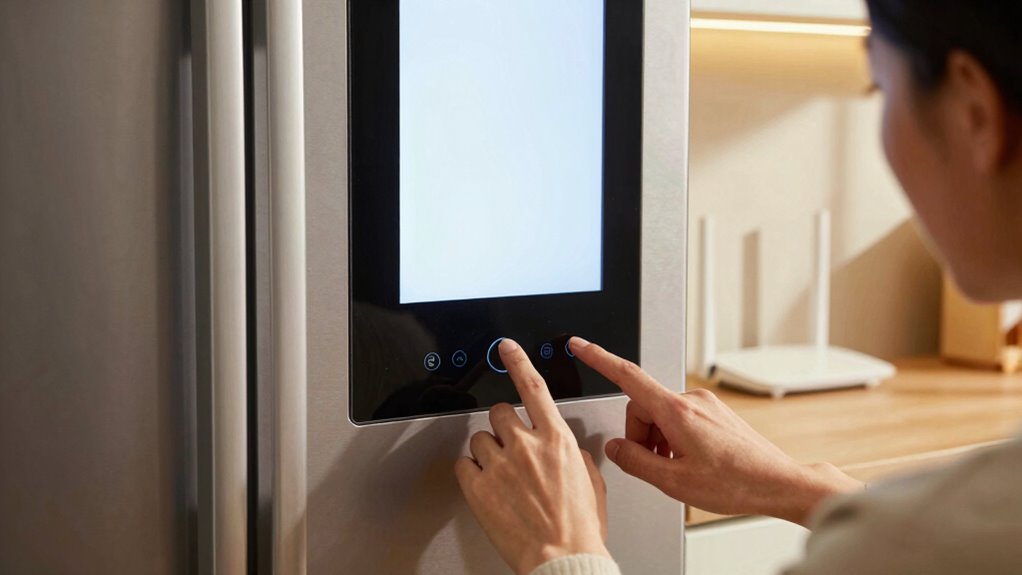
When your smart appliance suddenly stops responding, it can be frustrating, especially if you rely on it daily. You might feel helpless, but don’t worry; there are several steps you can take to get it back on track. First, check the power supply. Make sure it’s plugged in and that the outlet is functioning. Sometimes, a simple power outage or a tripped circuit breaker can cause your appliance to go dark. If everything looks good with the power, you’ll want to explore the connectivity issues. Many smart appliances rely on a strong Wi-Fi connection, so check your network settings. Confirm your appliance is connected to the correct network and that the signal strength is adequate.
When your smart appliance stops responding, check the power supply and Wi-Fi connection to get it back on track.
Next, consider the possibility of firmware updates. Manufacturers often release updates to improve performance or fix bugs, and failing to install these can lead to issues. If your appliance has a companion app, check it for any notifications regarding firmware updates. Installing these updates might resolve the problem quickly. If the appliance still isn’t responding, it’s time to examine the reset options. Most smart appliances have a reset function that can bring them back to their default settings. Refer to your user manual for specific instructions on how to perform a reset. This step can often clear out minor glitches that might be causing the issue.
If you’re still having problems, follow the troubleshooting steps outlined in the user manual. These often include checking for appliance compatibility** with your network and verifying that any additional setup requirements are met. Sometimes, appliances might not be compatible with certain routers or network configurations. It’s also helpful to understand home‑network principles, as a well-configured network can prevent many connectivity issues. Pay attention to any specific guidelines from the manufacturer regarding network settings. Additionally, ensure your smart device is properly integrated with your home network, as seamless integration is crucial for reliable operation. You might also want to verify that your home network** is functioning optimally, as a weak or unstable connection can interfere with device responsiveness.
While you’re troubleshooting, keep an eye out for any error messages or indicators on the appliance itself. These can provide valuable clues as to what’s gone wrong. If nothing works, reaching out to customer support can also be a useful step. They can guide you through advanced troubleshooting and may be aware of common issues affecting your model. By systematically checking these areas, you can usually identify the root cause of the problem and get your smart appliance functioning again. Remember, staying calm and methodical is key to resolving these frustrating situations.
smart appliance power outlet tester
As an affiliate, we earn on qualifying purchases.
As an affiliate, we earn on qualifying purchases.
Frequently Asked Questions
Can I Reset My Smart Appliance Remotely?
Yes, you can often reset your smart appliance remotely, depending on its features and connectivity. First, check the appliance’s app for a reset option. If it’s unresponsive, you might need to perform remote troubleshooting through the app or your home network settings. Verify your device has a stable connection; sometimes, issues arise from weak signals. Once you’ve reset it, reconnect and see if it responds properly.
How Do I Update My Smart Appliance’s Software?
To update your smart appliance’s software, open the accompanying app on your smartphone. Look for a settings or updates section, and follow the prompts to check for a software update. If you encounter issues, try these troubleshooting tips: confirm your appliance is connected to Wi-Fi, restart both the appliance and your router, and check for app updates as well. Staying updated keeps your appliance running smoothly and efficiently.
Are There Compatibility Issues With Different Brands?
Yes, there can be compatibility issues between different brands. Ever wondered why your smart devices don’t work seamlessly together? Brand interoperability often depends on firmware limitations that can hinder communication. When you mix brands, some features might not function as intended or may require additional setups. To guarantee everything works smoothly, check compatibility specifications and consider sticking to brands that integrate well together, enhancing your smart home experience.
What Is the Warranty Coverage for Smart Appliances?
Smart appliances usually come with a warranty duration ranging from one to three years. This covers defects in materials and workmanship, but you should check for any coverage limitations. Some warranties exclude issues caused by misuse or accidental damage. It’s essential to read the fine print to understand what’s included. If you’re unsure, contact the manufacturer to clarify the specifics of your warranty and make sure you’re fully informed.
How Can I Improve My Wi-Fi Signal for Smart Devices?
To improve your Wi-Fi signal for smart devices, start by placing your router in a central location, raising it off the floor, and avoiding interference sources like walls and appliances. Consider using Wi-Fi extenders to boost coverage in hard-to-reach areas. You should also manage your bandwidth by limiting the number of connected devices, ensuring your smart appliances get the speed they need. With these steps, you’ll enhance your Wi-Fi performance effectively.
Wi-Fi signal booster for smart home devices
As an affiliate, we earn on qualifying purchases.
As an affiliate, we earn on qualifying purchases.
Conclusion
When your smart appliance stops responding, don’t panic! Often, a simple issue like a power outage or weak Wi-Fi connection is to blame. It’s funny how the tiniest glitch can throw everything off balance, right? Just check those basics first—reset your router, verify it’s plugged in, or restart the device. You might just find that your trusty appliance springs back to life, ready to help you again. Sometimes, it’s the little things that make all the difference!
smart appliance firmware update kit
As an affiliate, we earn on qualifying purchases.
As an affiliate, we earn on qualifying purchases.
reset button for smart appliances
As an affiliate, we earn on qualifying purchases.
As an affiliate, we earn on qualifying purchases.
Halloween Picks
halloween
As an affiliate, we earn on qualifying purchases.