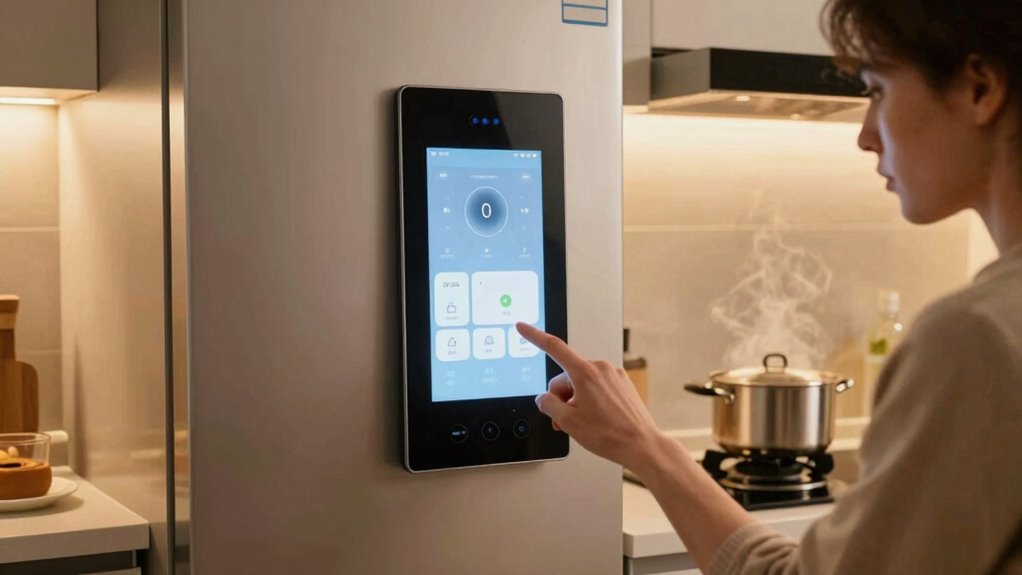

Resetting your smart appliance can help clear minor glitches, restoring its functionality and resolving connectivity issues. However, it won’t fix hardware malfunctions or tackle compatibility problems with your home network. If you encounter persistent issues, a reset may not be enough, and firmware updates could be necessary. It’s crucial to understand each appliance’s limitations and troubleshooting techniques. For further insights and tips on effective solutions, there’s more you can explore about your appliance’s needs.

Get kitchen gear delivered free with Prime
- Fast, free delivery on millions of items
- Prime Video, Amazon Music and more included
- Member-only deals all year
Key Takeaways
- Resets can clear minor glitches and restore functionality in unresponsive smart appliances.
- They do not fix hardware malfunctions or compatibility issues with home networks.
- Persistent problems may require firmware updates beyond simple resets.
- Each brand has unique reset procedures, so consult user manuals for instructions.
- Customer support can provide guidance for troubleshooting and resolving complex issues.
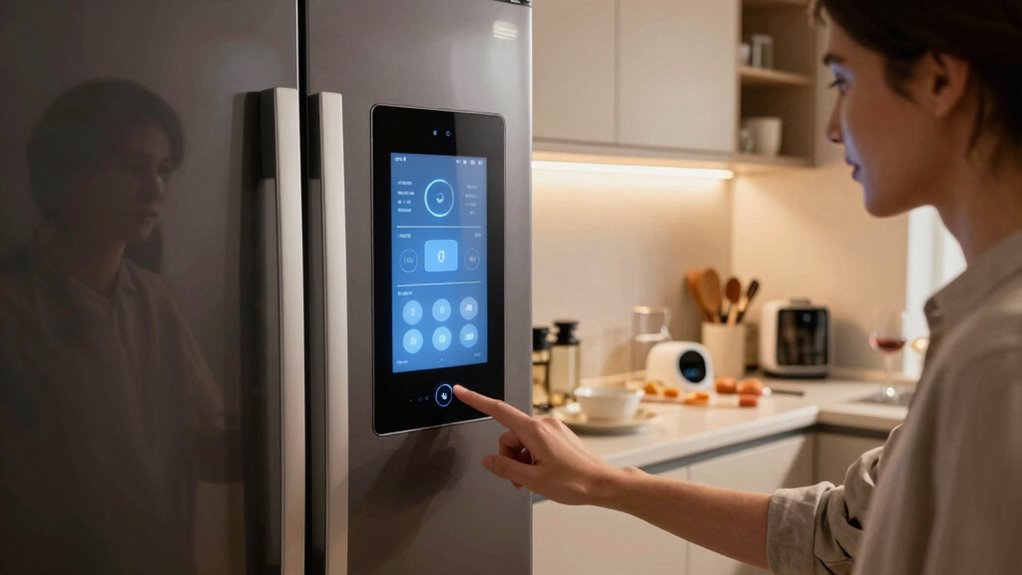
When your smart appliances act up, it can be frustrating, especially if you rely on them for daily tasks. Whether it’s a smart fridge that won’t connect to Wi-Fi or a washing machine that throws an error code, knowing when to reset your appliance can save you time and headaches. A reset can often clear minor glitches, but it’s important to know what it can and can’t solve.
First, a reset is usually a great initial troubleshooting technique. Many smart appliances have software that can encounter bugs or temporary hiccups. By performing a reset, you fundamentally give your appliance a fresh start, which can fix connectivity issues or restore functionality. For instance, if your smart thermostat isn’t responding, a simple reset might bring it back online. It’s a straightforward step that often resolves common problems without needing technical expertise. Additionally, understanding the features of the ultimate heat pump can help you recognize if your appliance’s issues are related to capacity or technology limitations.
However, it’s vital to understand that a reset won’t fix everything. If your appliance is experiencing a hardware malfunction or if there’s a compatibility issue with your home network, resetting won’t help. For example, if your smart oven is incompatible with your Wi-Fi network frequency, no amount of resetting will resolve that. You’ll need to explore deeper into troubleshooting techniques to identify and fix the underlying issue. Checking your appliance’s network compatibility is important before you jump to conclusions about what a reset can achieve. Sometimes, a firmware update might be necessary to resolve persistent problems that a simple reset cannot address.
Moreover, not every appliance is created equal. Some brands have different procedures for resetting, and understanding these can save you time. Always refer to the user manual for specific instructions. If you’re unsure about the reset process or if it’s even necessary, don’t hesitate to consult customer support. They can guide you through troubleshooting steps tailored to your specific appliance.
Products Worth Considering

Ninja Foodi Dual Zone Smart XL Air Fryer, 10 Qt, 6-in-1, Black (DZ550)

Cuisinart Chef's Classic 17-Piece Stainless Steel Cookware Set

Traeger Westwood Wood Pellet Grill and Smoker, 653 sq. in., WiFIRE
As an affiliate, we earn on qualifying purchases.
Frequently Asked Questions
How Often Should I Reset My Smart Appliance?
You should reset your smart appliance whenever it starts acting up or you notice performance issues. Doing this occasionally can help maintain your appliance’s longevity. If you’re troubleshooting, a reset often clears minor glitches, making it a go-to tip. However, don’t overdo it; constant resets may indicate deeper problems. Pay attention to how your appliance behaves, and use resets as a tool to keep everything running smoothly.
Can Resetting Void My Appliance’s Warranty?
Resetting your smart appliance typically won’t void your warranty, but it’s essential to check the warranty terms. According to a survey, 67% of consumers don’t read appliance guidelines thoroughly, leading to misunderstandings. Always consult the manufacturer’s instructions before resetting, as some actions might affect specific covered issues. To stay on the safe side, keep documentation and follow the guidelines closely to guarantee your warranty remains intact.
Will a Reset Erase My Saved Settings?
Yes, a reset will erase your saved settings. When you reset your smart appliance, it typically reverts to factory defaults, wiping out any personalized configurations. This is a common troubleshooting technique to resolve issues, but it’s important to note the reset impact on your preferences. Before proceeding, consider documenting your settings, so you can easily restore them afterward. Always weigh the benefits of troubleshooting against the inconvenience of losing your customizations.
Are All Smart Appliances Resettable?
Not all smart appliances are resettable, but it sure feels like they should be! From smart fridges to robot vacuums, some let you hit the reset button while others just laugh in your face. For the ones that can’t be reset, you’ll need to explore some troubleshooting tips. Always check the manual; it’s your best friend when you’re wrestling with those tricky smart appliance types! Don’t give up, you’ve got this!
What if My Appliance Won’t Reset at All?
If your appliance won’t reset at all, you should try some troubleshooting techniques. First, unplug it for a few minutes, then plug it back in. Check for common issues like a blown fuse or a tripped circuit breaker. Verify the appliance is connected to Wi-Fi if it’s smart. If it still won’t reset, consult the manual or contact customer support for further assistance. Don’t hesitate; you might find a quick fix!
Conclusion
In the world of smart appliances, a reset can be like a refreshing change, clearing out the cobwebs of confusion. It can solve minor glitches and connectivity issues, bringing your devices back to life. However, it won’t fix hardware failures or deep-rooted software problems. Just remember, while a reset can be a handy first step, it’s not a magic wand for every issue. Stay proactive, and your smart home will thrive.