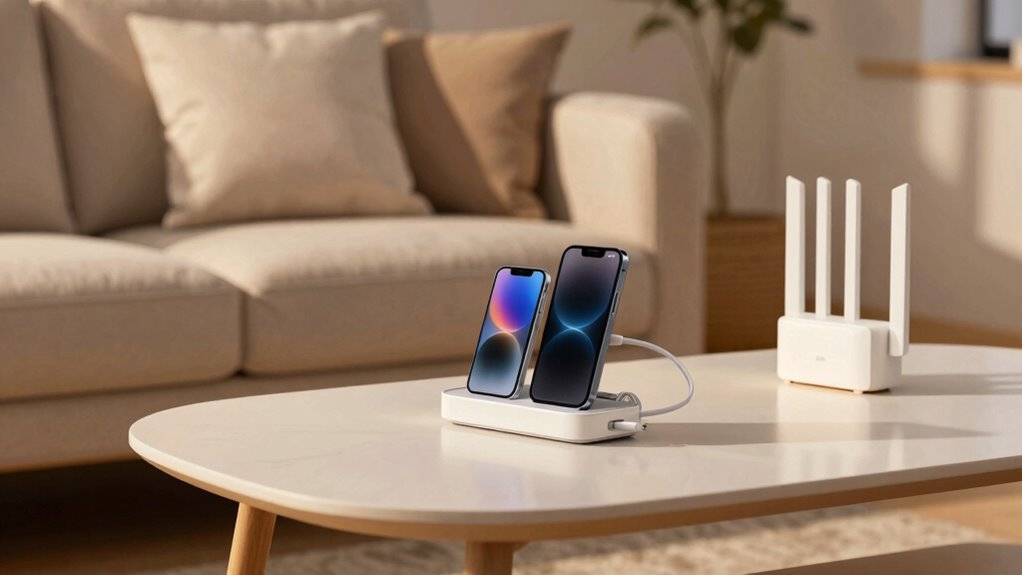

To reduce tech friction before guests arrive, make certain all your smart home devices are set up and functioning properly. Familiarize yourself with their operations and prepare a simple guide for key features. Pre-set lighting for a welcoming ambiance and guarantee interfaces are intuitive for easy use. Offer your Wi-Fi password and consider a guest network for security. By doing this, you’ll create a seamless experience that enhances your gathering and leaves your guests feeling comfortable. You can learn more tips to enhance their visit.

Get kitchen gear delivered free with Prime
- Fast, free delivery on millions of items
- Prime Video, Amazon Music and more included
- Member-only deals all year
Key Takeaways
- Verify all smart home devices are set up and functioning correctly to ensure a smooth experience for guests.
- Provide a simple guide outlining key device features, like Wi-Fi access and thermostat controls.
- Pre-set smart lighting to create a welcoming ambiance and enhance comfort for your guests.
- Ensure the Wi-Fi password and connection details are readily available, possibly on a welcome note.
- Familiarize yourself with troubleshooting tips for common issues to quickly address any tech problems.
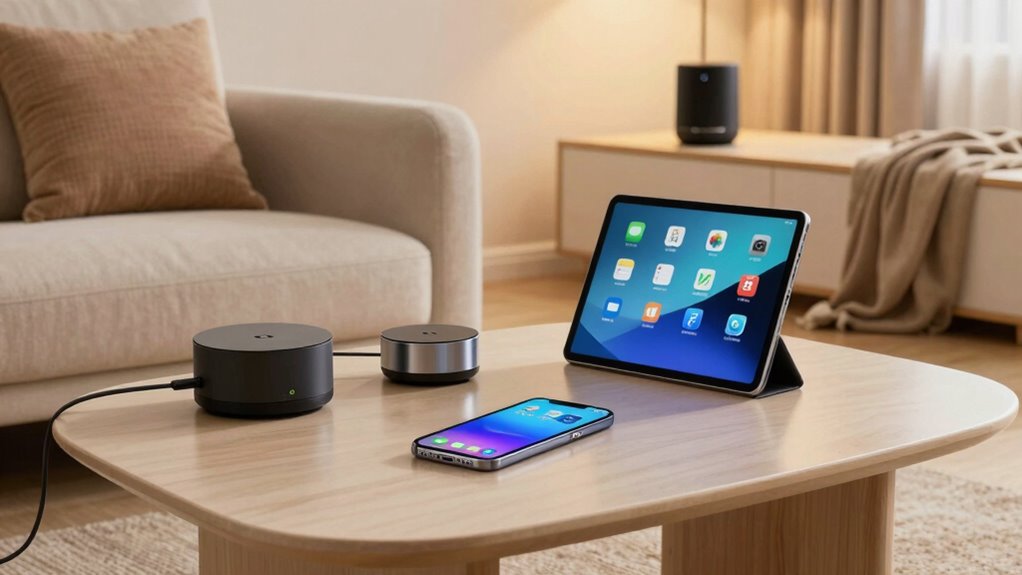
When you welcome guests, reducing tech friction can make their experience seamless and enjoyable. One way to achieve this is by verifying your smart home devices are set up correctly. Before your guests arrive, familiarize yourself with how everything works. This proactive approach allows you to assist them quickly if they need help. Consider creating a simple guide that outlines how to use key features, like adjusting the thermostat or connecting to the Wi-Fi. This way, they won’t feel intimidated by your technology.
User-friendly interfaces can greatly enhance the guest experience. Check that all devices, from lights to speakers, have intuitive interfaces. If they require a complicated setup or intricate app navigation, your guests might feel overwhelmed. Simplifying these interactions can make them feel more at ease in your home. For instance, if your smart lighting system involves several steps to operate, consider pre-setting the lights to a welcoming ambiance before they arrive. This small gesture shows you’ve thought about their comfort.
User-friendly interfaces are key to ensuring your guests feel comfortable and at ease in your home.
Don’t forget about digital etiquette. Confirm that your Wi-Fi network is easily accessible and that the password is readily available. You might even consider creating a guest network to keep your main network secure. Clear communication about tech expectations helps your guests feel more comfortable. Let them know if certain devices are off-limits or if there’s a specific way to use shared resources, like the TV or gaming console. This not only enhances their experience but also sets the right tone for your gathering.
Tech support can be a lifesaver, especially if something goes awry. Before your guests arrive, run through your devices to make sure everything is functioning smoothly. If you anticipate any potential issues, it’s wise to have a plan in place. For example, if your smart home system tends to glitch, be prepared to troubleshoot or have an alternative solution ready. Being aware of your smart home privacy and security practices can help you quickly identify and address vulnerabilities. Additionally, understanding the responsible use of your smart devices ensures you maintain privacy and security during your gatherings. Familiarizing yourself with device troubleshooting tips can help you resolve common issues swiftly, ensuring your gathering proceeds smoothly. This level of preparedness shows your guests you care about their experience.
Finally, remember that tech should enhance, not detract from, your time together. Encourage meaningful interactions rather than allowing technology to dominate the space. Engaging your guests with smart home automation features can create a more memorable experience. By focusing on creating a warm, welcoming environment, you’ll verify your guests leave with fond memories of their visit, feeling as though they truly enjoyed their time in your home.
Products Worth Considering

Le Creuset Toughened Nonstick PRO 11-Inch Crepe Pan with Rateau

Weber Searwood XL 600 Wood Pellet Smoker Grill, 36 inches, Black

Ninja NC501 CREAMi XL Deluxe 11-in-1 Ice Cream and Frozen Treat Maker
As an affiliate, we earn on qualifying purchases.
Frequently Asked Questions
What Is Tech Friction and Why Does It Matter?
Tech friction refers to any obstacles that disrupt your user experience, like connectivity issues or complicated setups. It matters because it can frustrate you and your guests, making technology feel more like a hassle than a help. When tech runs smoothly, you create a welcoming atmosphere and guarantee everyone enjoys their time together. Reducing tech friction means easier access to devices and services, leading to a more enjoyable experience for everyone involved.
How Can I Test My Wi-Fi Speed Before Guests Arrive?
To test your Wi-Fi speed before guests arrive, use a speed testing website or app like Speedtest.net. Just connect to your network and run the test; it’ll show your download and upload speeds. If you notice slow speeds, try some Wi-Fi troubleshooting—restart your router, check for interference, or move closer to it. This way, you guarantee a smooth experience for everyone without tech hiccups during their visit.
Should I Update My Devices Before Guests Come Over?
You really should update your devices before guests arrive. Imagine the frustration if your tablet can’t connect to the Wi-Fi or your smart speaker’s lagging. Software updates guarantee device compatibility, optimizing performance and security. Don’t wait until the last minute—check for those updates now. You’ll avoid awkward moments, and your guests will appreciate a seamless tech experience. Take a moment, and you’ll set the stage for a great time together!
How Do I Create a Guest Network on My Router?
To create a guest network on your router, access your router settings through your web browser. Look for the “Guest Network” option, usually under Wi-Fi settings. Enable it, set a unique password, and decide if you want to limit access to your main network. Guest networks enhance security and protect your devices while allowing visitors internet access. This way, you enjoy the benefits of convenience and safety during their stay.
What Tech Items Should I Consider Removing for a Smoother Experience?
To create a serene oasis amidst tech chaos, consider removing unnecessary smart home devices that add to your device clutter. Start with gadgets that guests won’t use or understand, like complex smart speakers or intricate lighting controls. Keep only the essentials—like Wi-Fi and a simple thermostat—to guarantee a smoother experience. By decluttering your tech, you invite a more relaxed atmosphere, allowing everyone to connect without distractions.
Conclusion
By streamlining your tech setup, you’re not just making things easier for your guests—you’re also creating a warm, inviting atmosphere where everyone feels at home. Think of it like laying out a welcome mat; it’s not just about inviting people in, but about ensuring they feel comfortable once they’re there. So, take a little time to reduce tech friction, and watch how it transforms your gatherings into memorable experiences filled with connection and joy.