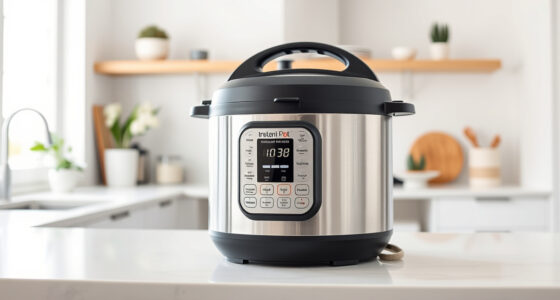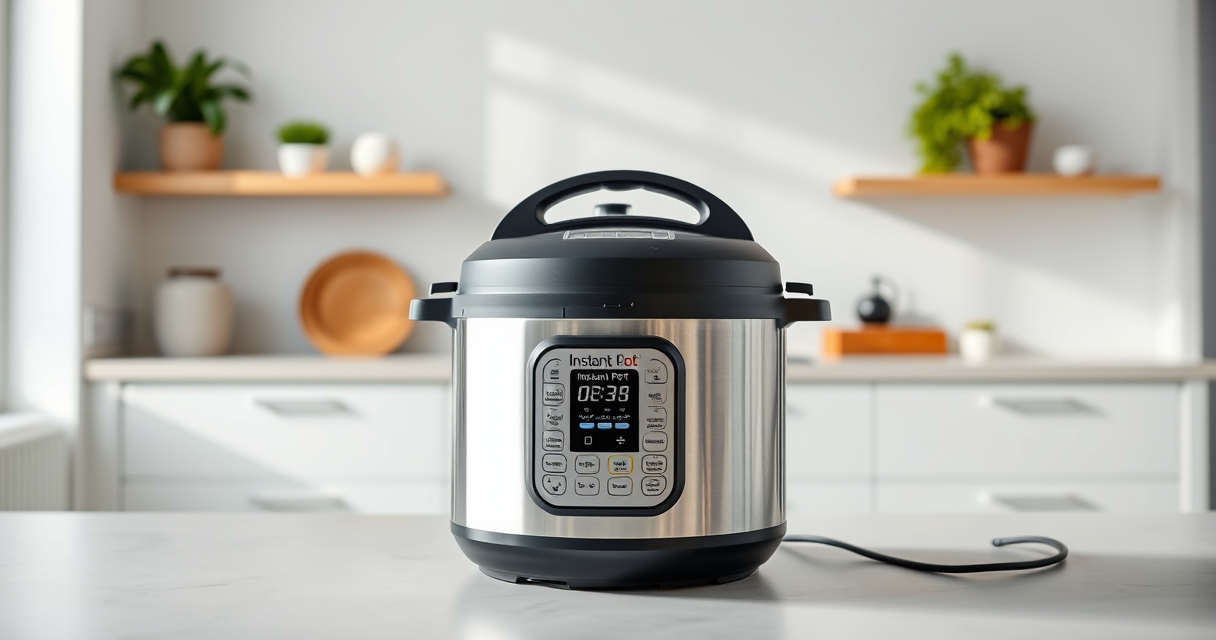

If your Instant Pot displays a burn error, it can be frustrating and interrupt your cooking. This guide explains the common causes of this error and provides practical, safe solutions to resolve it quickly. Whether you’re new to pressure cooking or experienced, understanding these steps will help you get back to cooking without stress.

Get kitchen gear delivered free — and shop member deals
- Fast, free delivery on millions of items
- Access to Prime Big Deal Days deals on October 6–7
- Prime Video, Amazon Music and more included
Follow these troubleshooting steps carefully to ensure your Instant Pot functions properly and safely every time.
Key Takeaways
| Common cause | Food sticking to the bottom or insufficient liquid |
| Initial fix | Release pressure and scrape the bottom |
| Prevention tip | Use enough liquid and avoid thick sauces at the start |
| Safety reminder | Always ensure the sealing ring is clean and properly fitted |
Identify the Burn Error
When the Instant Pot detects a burn risk, it displays a burn error message. This often occurs during pressure cooking when the device senses high temperature or low liquid levels. Confirm the error by noting the warning on your display panel.
Release Pressure Safely
- Turn off the Instant Pot and unplug it from the power source.
- Allow the pressure to release naturally for about 10-15 minutes, or use the quick-release method if necessary.
- Carefully open the lid once the pin drops and it’s safe to do so.
Clean the Inner Pot and Remove Residue
- Remove the inner pot and inspect the bottom for stuck food or residue.
- Use a non-abrasive scrubber and warm, soapy water to clean the bottom thoroughly.
- Ensure no food particles or stuck-on bits remain, as these can trigger the burn error.
Check Liquid Levels and Food Placement
Ensure there is enough liquid in the inner pot—generally at least 1 cup for most recipes. Avoid layering thick sauces or foods that might stick and cause burning. Use a steamer basket or layer foods to prevent direct contact with the bottom.
Reset and Prevent Future Burn Errors
- Replace the inner pot and secure the lid properly, ensuring the sealing ring is clean and correctly positioned.
- Add sufficient liquid as per your recipe’s requirements.
- Avoid stirring or scraping the bottom during cooking, especially with thick or sticky ingredients.
The Products in This Guide

Instant Pot 4QT RIO Mini 7-in-1 Multi-Cooker
- ✔ Power: 1000W
- ✔ Dimensions: 8 x 8 x 8 inches
- ✔ Warranty: 1 year

AOZITA Steamer Basket
- ✔ Dishwasher Safe: Yes
- ✔ Size: Large and small tier included
- ✔ Compatibility: 6 & 8 qt models
Instant Pot 4QT RIO Mini 7-in-1 Multi-Cooker
The Instant Pot 4QT RIO Mini offers versatile cooking with 7 functions, including pressure cooking, slow cook, sauté, and more. Its compact size makes it ideal for small families or singles, and it’s easy to operate with clear indicators.
Pros:
- Compact and space-saving
- 7-in-1 functionality
- Easy to monitor with progress indicator
- Cooks up to 70% faster
Cons:
- Limited capacity for large meals
- Slight learning curve for new users
- Requires attention to liquid levels
Best for: Small families, singles, and students looking for versatile, quick cooking
Not ideal for: Cooking large batches or for big families
Bottom line: A versatile, compact multi-cooker perfect for small servings and quick meals.
AOZITA Steamer Basket
The AOZITA Steamer Basket enhances your Instant Pot experience by allowing you to cook multiple dishes simultaneously. Its 2-tier design saves time and keeps flavors separate, perfect for vegetables, eggs, or pasta.
Pros:
- Two-tier stackable design
- Stainless steel mesh
- Easy to clean
- Fits 6 and 8-quart models
Cons:
- Requires extra space in the pot
- Cleaning mesh can be tricky
- Not suitable for very delicate foods
Best for: Preparing multiple dishes at once, steaming vegetables or eggs
Not ideal for: Cooking large quantities of thick foods or stews
Bottom line: A versatile accessory that maximizes your Instant Pot’s functionality.
Frequently Asked Questions
What causes the burn error on the Instant Pot?
The burn error typically occurs when food sticks to the bottom, there’s insufficient liquid, or the device detects high temperature due to thick sauces or layered ingredients.
How can I prevent the burn error?
Use enough liquid, avoid thick or sticky ingredients at the start, and ensure the inner pot is clean and properly seated before cooking.
Is it safe to continue cooking after a burn error?
No, always release the pressure, clean the pot, and fix the issue before restarting to ensure safety and proper cooking.
Can I still use my Instant Pot after a burn error?
Yes, once you’ve cleaned the bottom and added sufficient liquid, you can resume cooking.
Mastering Your Instant Pot
Understanding the causes of the burn error and how to fix it ensures safe and efficient cooking every time. Regularly cleaning your pot, checking liquid levels, and layering foods properly will help prevent this issue. With a bit of attention, your Instant Pot remains a reliable kitchen companion for quick, delicious meals.
Affiliate disclosure: As an Amazon Associate we earn from qualifying purchases. Prices and availability are accurate as of the time of publishing.
Halloween Picks
halloween
As an affiliate, we earn on qualifying purchases.