To make your connected appliances work together smoothly, start by choosing devices from the same brand or those known for compatibility. Use a reliable hub like SmartThings to integrate different brands and streamline control. Keep your devices updated for the best performance and maintain a strong Wi-Fi network. Ultimately, customize settings and set routines to match your lifestyle. If you want to optimize your smart home experience further, there’s more you can explore.
Key Takeaways
- Choose devices from the same brand or ecosystem to minimize compatibility issues and ensure smooth interaction.
- Utilize a central hub like SmartThings to manage and integrate devices across different brands seamlessly.
- Regularly update device firmware to enhance compatibility and performance; enable automatic updates when possible.
- Strategically place devices and maintain a strong Wi-Fi network to ensure optimal connectivity and performance.
- Customize settings and routines to tailor devices to your lifestyle, enhancing the overall smart home experience.
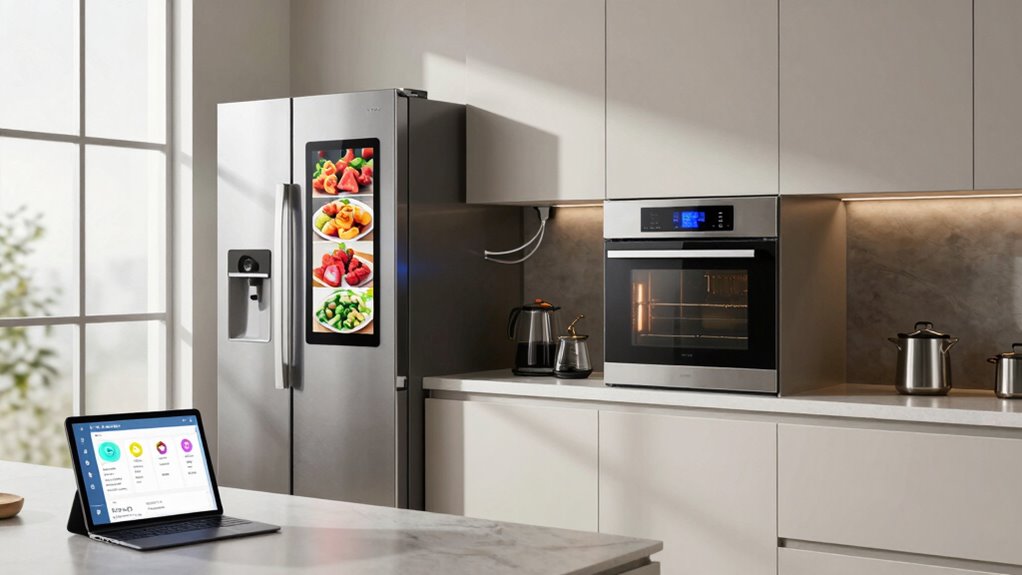
As you embrace the convenience of smart home technology, it’s essential to guarantee your connected appliances work seamlessly together. The idea of a smart home can be exhilarating, but it can also lead to frustration if your devices don’t communicate effectively. To achieve flawless smart home integration, you’ll need to take into account a few key factors that secure appliance compatibility and enhance your overall experience.
First, start by choosing devices that are designed to work together. Many manufacturers now create ecosystems where their products are intended to communicate smoothly. For instance, if you have a smart thermostat, it’s wise to pair it with devices from the same brand or those that are known for their interoperability. This can minimize compatibility issues and maximize the benefits of automation. Always check the specifications and user reviews to see how well the appliances interact with others.
Next, invest in a reliable hub. A hub acts as the central command for your smart home, allowing different devices to communicate with each other, even if they come from different brands. When you use a hub, like the SmartThings or Hubitat, it simplifies smart home integration by bridging the gaps between various protocols and standards. This makes it easier for your appliances to sync up, ensuring they work in harmony. Incorporating a central control system can further streamline device management and boost compatibility.
Another vital aspect is keeping your software updated. Manufacturers often release firmware updates that enhance compatibility and performance. By regularly updating your devices, you can take advantage of improvements that can boost your home’s efficiency and functionality. Set reminders to check for updates or enable automatic updates if your devices support that feature.
Don’t underestimate the importance of a well-planned setup. When installing your devices, think about their placements and connectivity. Make sure that your Wi-Fi network is strong enough to support all connected appliances, as a weak connection can lead to delays and malfunctions. Organizing your devices logically can also make it easier to troubleshoot issues should they arise.
Finally, take the time to customize your settings. Smart appliances often come with various features that can be tailored to fit your lifestyle. By adjusting these settings, you not only enhance the performance of your devices but also make sure they work better together. Whether it’s setting routines or creating scenes, this personalization can greatly improve your smart home experience. Understanding the different wireless protocols used by smart devices can help optimize your network and prevent connectivity issues.
SmartThings compatible smart home hub
As an affiliate, we earn on qualifying purchases.
As an affiliate, we earn on qualifying purchases.
Frequently Asked Questions
What Are the Benefits of Connected Appliances Beyond Convenience?
Connected appliances offer more than just convenience; they provide energy savings by optimizing usage patterns, which can lower your utility bills. You enjoy enhanced functionality, allowing you to customize settings based on your lifestyle. Seamless integration between devices means they can communicate and work together efficiently, creating a smart home experience. Plus, user customization lets you tailor appliances to fit your preferences, making everyday tasks easier and more enjoyable.
How Do I Secure My Connected Appliances From Hacking?
To secure your connected appliances from hacking, start by ensuring strong network security. Use a unique, complex password for your Wi-Fi and enable WPA3 encryption. Next, implement device authentication for each appliance, so only authorized users can access them. Regularly update firmware to patch vulnerabilities. Consider creating a separate network for your smart devices, isolating them from your main network. This way, you considerably reduce the risk of unauthorized access.
Can I Control Appliances Remotely Without an App?
Yes, you can control appliances remotely without an app! By using voice control through smart assistants like Amazon Alexa or Google Assistant, you can manage your devices hands-free. Set up automation routines to trigger actions at specific times or in response to certain events. This way, you gain remote access to your appliances seamlessly, all through simple voice commands. Just make sure your devices are compatible with the smart assistant you choose!
What Should I Do if My Appliances Aren’T Connecting?
If your appliances are acting a bit stubborn, don’t worry—you’re not alone! Start with some troubleshooting tips: check that your Wi-Fi is strong and stable, as connection issues often stem from a weak signal. Restart your devices and verify they’re updated to the latest software. Sometimes, a simple reset can do wonders. If all else fails, consulting the user manual or reaching out to support might just save the day!
Are There Compatibility Issues With Different Brands of Connected Appliances?
Yes, there can be compatibility issues with different brands of connected appliances. Brand interoperability often hinges on the protocols each appliance uses. If your devices rely on different communication protocols, they might not work together seamlessly. To avoid frustration, check the specifications for each brand and see if they support common standards. Investing in devices that prioritize interoperability can save you time and guarantee smoother integration in your smart home setup.
best smart appliances for seamless integration
As an affiliate, we earn on qualifying purchases.
As an affiliate, we earn on qualifying purchases.
Conclusion
In a world where chaos reigns, connected appliances can bring harmony to your home. Imagine your coffee maker brewing just as your smart speaker plays your favorite morning playlist. By setting routines and ensuring compatibility, you’re not just managing gadgets; you’re creating a seamless experience. So, embrace the technology that connects them, and watch as your home transforms from a disjointed space into a symphony of convenience. With a little effort, you’ll find that harmony is just a click away.
Wi-Fi range extender for smart home devices
As an affiliate, we earn on qualifying purchases.
As an affiliate, we earn on qualifying purchases.
smart home device firmware updater
As an affiliate, we earn on qualifying purchases.
As an affiliate, we earn on qualifying purchases.