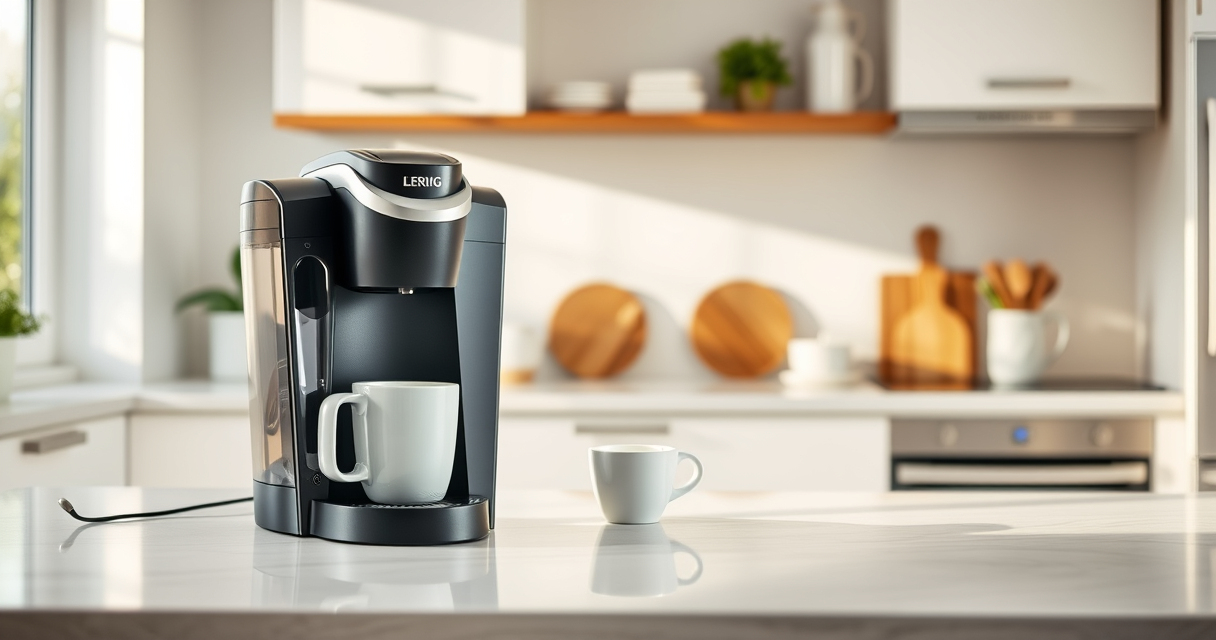
If your Keurig K-Mini is not brewing a full cup, it can be frustrating and interfere with your morning routine. This guide provides clear, step-by-step troubleshooting tips to help restore your coffee maker’s full brewing capability safely and efficiently.

Get kitchen gear delivered free — and shop member deals
- Fast, free delivery on millions of items
- Access to Prime Big Deal Days deals on October 6–7
- Prime Video, Amazon Music and more included
Most issues stem from mineral buildup, clogs, or water reservoir problems. Follow these instructions carefully to diagnose and fix common problems with your Keurig.
Key Takeaways
| Identify the cause | Mineral buildup or clogs often cause partial brewing. |
| Regular cleaning matters | Descale and clean your machine every few months. |
| Check the water reservoir | Ensure proper water levels and placement. |
| Use the correct brew size | Select appropriate cup size for full brew. |
| Consider reusable filters | They can help maintain water flow and flavor. |
Step 1: Check Water Level and Reservoir
- Ensure the water reservoir is filled to the required level.
- Remove and reattach the reservoir to confirm proper placement.
- Check for any cracks or blockages in the reservoir or water pathway.
Step 2: Clean the Brew Path and Needle
- Turn off and unplug the machine before cleaning.
- Use a paperclip or Keurig’s needle cleaning tool to clear any clogs in the needle that punctures the K-Cup.
- Remove and clean the drip tray and area around the needle.
Step 3: Descale Your Keurig
- Mix descaling solution or white vinegar with water (as per instructions).
- Fill the water reservoir with the solution.
- Run a brew cycle without a K-Cup, repeating until the reservoir is empty.
- Rinse thoroughly with fresh water by brewing several cycles with just water.
Step 4: Use the Correct Brew Size and Settings
Make sure you select a brew size of at least 8oz or more, depending on your model, to ensure a full cup. Avoid overfilling or using incompatible cup sizes that might cause under-brewing.
Additional Tips and Warnings
- Use filtered or distilled water if your tap water is hard, to prevent mineral buildup.
- Regularly clean and descale every 3-6 months for optimal performance.
- Never force water into the machine or tamper with internal parts.
The Products in This Guide

Keurig K-Mini Single Serve K-Cup Pod Coffee Maker
- ✔ Weight: 4.6 lbs
- ✔ Mug Height: Up to 7 inches
- ✔ Cord Storage: Yes

My K-Cup® Reusable Coffee Filter
- ✔ Size: Fits standard K-Cup area
- ✔ Material: BPA-free plastic
- ✔ Color: Black
Keurig K-Mini Single Serve K-Cup Pod Coffee Maker
The Keurig K-Mini is perfect for small kitchens or offices, offering quick and fresh brews with minimal space. It’s straightforward to maintain and compatible with reusable filters for ground coffee.
Pros:
- Compact and space-saving design
- Brews 6-12 oz cups easily
- Removable drip tray for travel mugs
- Simple one-button operation
Cons:
- Limited to smaller brew sizes
- No advanced programming features
- Requires regular descaling for optimal performance
Best for: Small space dwellers who want quick, fresh coffee daily
Not ideal for: Users needing large brew capacity or programmable features
Bottom line: A compact, reliable choice for quick coffee in small spaces.
My K-Cup® Reusable Coffee Filter
The My K-Cup® Reusable Coffee Filter allows you to brew your favorite ground coffee, giving you control over flavor and cost. It’s compatible with the Keurig K-Mini and other models, making it a versatile addition.
Pros:
- Reusable and eco-friendly
- Compatible with multiple Keurig models
- Allows custom grind and strength
- Easy to clean
Cons:
- Requires pre-measuring coffee
- May need more cleaning than pods
- Not suitable for very fine or oily grounds
Best for: Coffee enthusiasts who prefer ground beans and cost savings
Not ideal for: Users who prefer quick, pod-based brewing without extra steps
Bottom line: A cost-effective, eco-friendly way to enjoy custom coffee blends.
Frequently Asked Questions
Why is my Keurig not brewing a full cup?
Common causes include mineral buildup, clogged needles, or low water levels. Regular cleaning and descaling can often resolve these issues.
How often should I descale my Keurig?
It’s recommended to descale every 3 to 6 months, or more frequently if you notice brewing issues or mineral deposits.
Can I use ground coffee instead of K-Cups?
Yes, with a reusable filter like the My K-Cup, you can brew ground coffee and enjoy customizable flavors.
What should I do if cleaning doesn’t fix the issue?
If cleaning and descaling don’t work, check for water reservoir issues or consider professional servicing if the machine is still under warranty.
Revive Your Keurig, Enjoy Perfect Brews
With proper maintenance and troubleshooting, your Keurig K-Mini can brew full cups consistently. Regular descaling, cleaning the needle, and ensuring water levels are correct will keep your machine functioning optimally. Follow these steps to enjoy fresh, full cups of coffee every time.
Affiliate disclosure: As an Amazon Associate we earn from qualifying purchases. Prices and availability are accurate as of the time of publishing.
Fall Picks
fall essentials
As an affiliate, we earn on qualifying purchases.