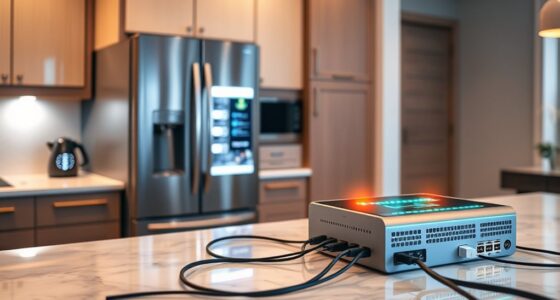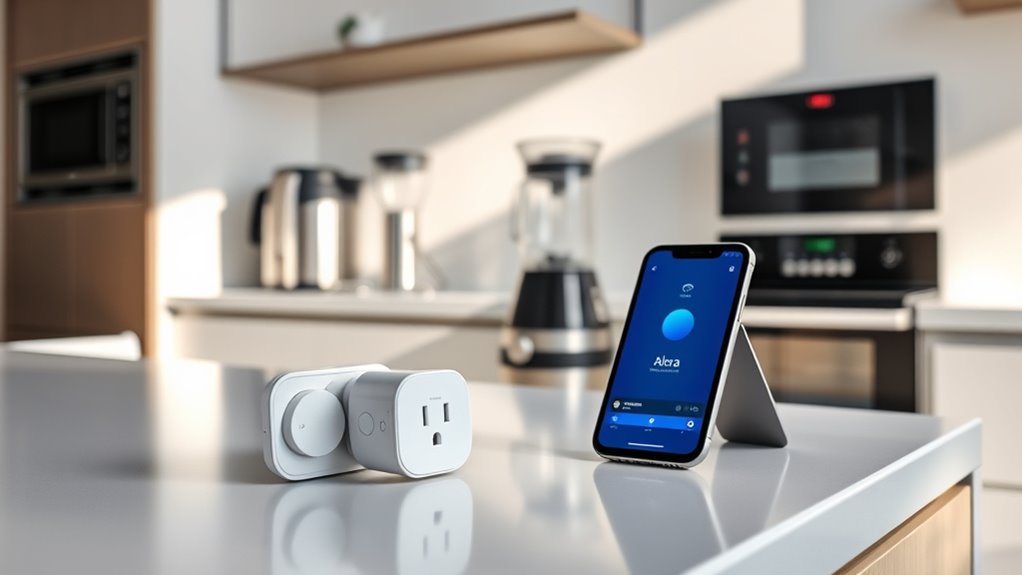

To connect your kitchen gadgets to Alexa or Google Home, first verify they’re compatible and update their firmware as needed. Set up a secure Wi-Fi network and add your devices through their manufacturer’s app, assigning them to specific rooms for organization. Then, link the devices in the Alexa or Google Home app via the “Add Device” option. Once connected, you can create routines and voice commands for easy control—learn more to get everything working smoothly.

Get kitchen gear delivered free — and shop member deals
- Fast, free delivery on millions of items
- Access to Prime Big Deal Days deals on October 6–7
- Prime Video, Amazon Music and more included
Key Takeaways
- Ensure your kitchen gadgets are compatible with Alexa or Google Home by checking manufacturer support and firmware requirements.
- Connect your devices to the same Wi-Fi network used by your smart home ecosystem for seamless integration.
- Use the respective app (Alexa or Google Home) to add and link each device, following app prompts and instructions.
- Assign devices to specific rooms within the app for organized control and easier voice command management.
- Test device connectivity with voice commands and set up routines for automated control of your kitchen gadgets.
smart kitchen gadgets compatible with Alexa
As an affiliate, we earn on qualifying purchases.
As an affiliate, we earn on qualifying purchases.
Assessing Compatibility of Your Kitchen Devices
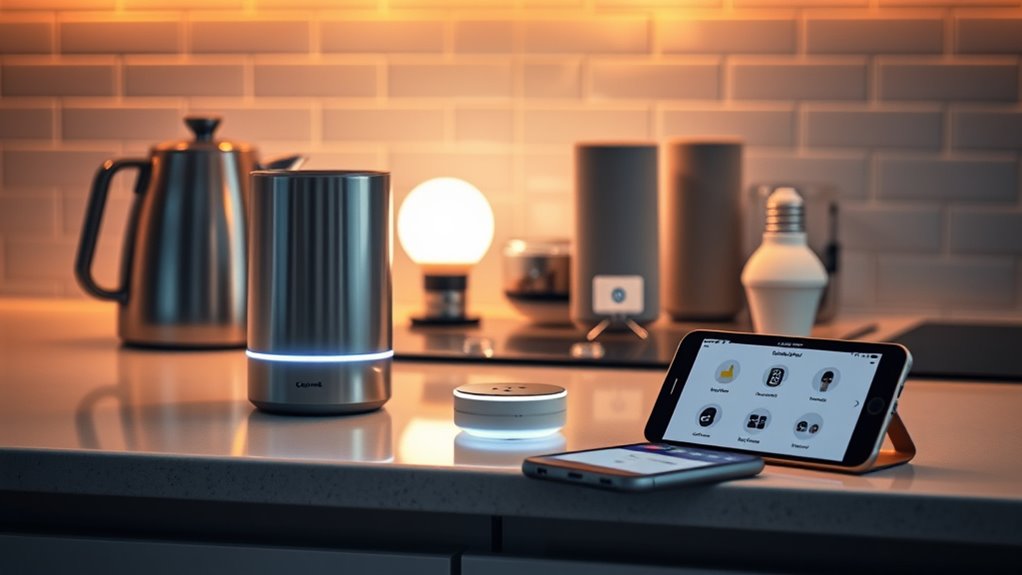
Before connecting your kitchen gadgets to Alexa or Google Home, you need to assess whether they are compatible. Check if your devices have the latest device firmware, as updates can improve compatibility and functionality. Firmware updates often enable new features, including voice command customization, making your gadgets more responsive to your voice. Look for manufacturer information or packaging that specifies compatibility with smart home assistants. Some devices might require specific apps or firmware versions to work seamlessly with Alexa or Google Home. If your gadgets lack native support, consider whether third-party integrations or firmware updates can bridge the gap. Ensuring compatibility upfront saves you time and prevents frustration during setup, making your smart kitchen experience smoother and more enjoyable. Firmware updates can also enhance device security and stability, further optimizing your smart home ecosystem. Additionally, checking for manufacturer support can provide valuable insights into ongoing updates and compatibility improvements. Confirming compatibility with smart home ecosystems helps ensure your devices work harmoniously within your connected kitchen. Staying informed about compatibility standards can also help you troubleshoot issues more effectively and plan future device upgrades.
Google Home compatible kitchen devices
As an affiliate, we earn on qualifying purchases.
As an affiliate, we earn on qualifying purchases.
Setting Up Your Smart Home Hub
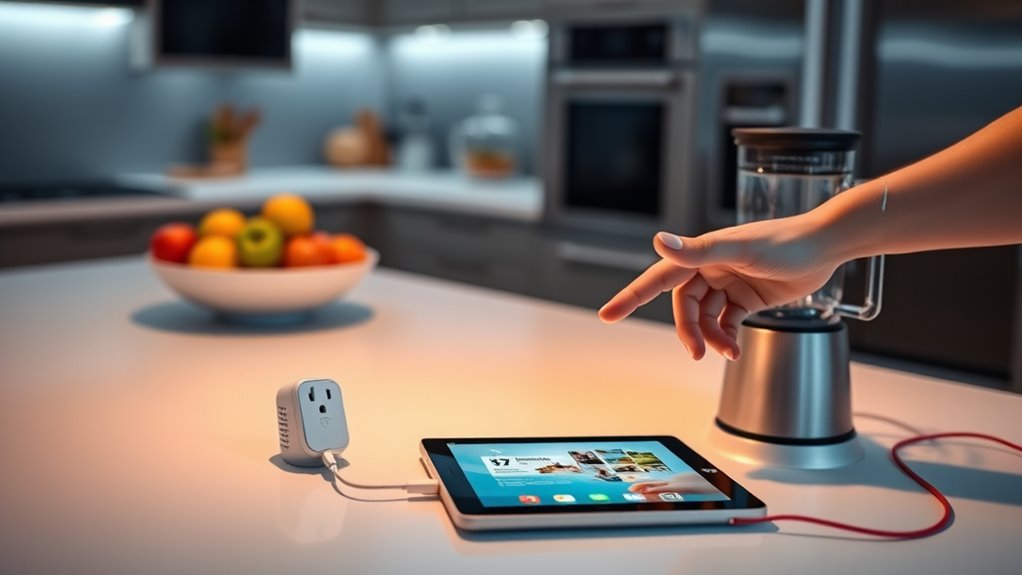
To get your smart kitchen devices working together smoothly, you need to set up a central hub that manages all your gadgets. This hub serves as the brain of your smart home, ensuring seamless communication between devices. When setting up, prioritize smart device security by creating strong, unique passwords and enabling two-factor authentication. This protects your network from unauthorized access. Additionally, customize your voice commands within the hub’s app to streamline interactions with your devices. Proper setup guarantees that your gadgets respond accurately to your commands and work harmoniously. Incorporating secure network protocols during setup further enhances your smart home’s safety. Using local automation options can also reduce reliance on internet connectivity, improving responsiveness and privacy. Ensuring your system adheres to aviation regulations can also prevent potential security issues. Understanding network segmentation helps to isolate your smart devices from other home networks, adding an extra layer of security. Implementing redundant backups can ensure your setup remains functional even in case of device failure. Once your hub is configured correctly, you’ll enjoy a more integrated, secure, and user-friendly smart kitchen experience. This foundation makes controlling your devices intuitive and helps safeguard your smart home environment.
Wi-Fi enabled smart kitchen appliances
As an affiliate, we earn on qualifying purchases.
As an affiliate, we earn on qualifying purchases.
Connecting Devices to Your Wi-Fi Network
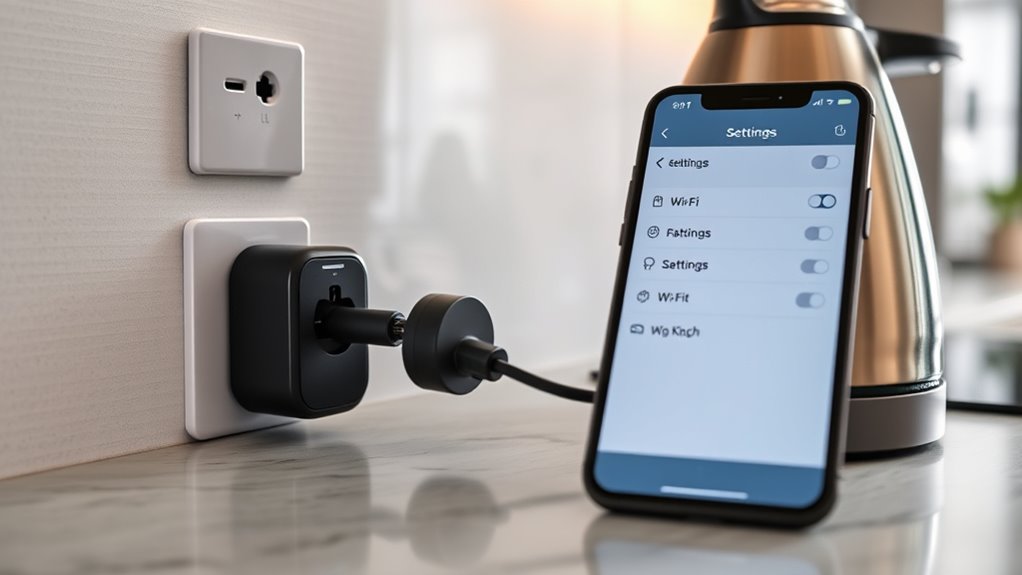
Connecting your smart kitchen devices to your Wi-Fi network is a crucial step to guarantee they function properly and communicate seamlessly. Proper device placement ensures a strong signal, avoiding dead zones or interference. Keep devices within a reasonable range of your router and avoid placing them behind thick walls or metal objects. Wi-Fi security is equally important; use a strong password and enable WPA3 encryption to protect your network from unauthorized access. Additionally, consider maximizing your truck bed’s potential by organizing your gadgets efficiently for easy access and maintenance. Ensuring your devices are compatible with home automation standards can help streamline their integration with Alexa or Google Home. Being aware of network interference issues can further improve connectivity and device performance. Regularly checking for firmware updates can also enhance device security and functionality. For optimal performance, you may also want to optimize your Wi-Fi channels to reduce congestion and improve signal strength. Here’s a quick overview:
| Device Placement | Wi-Fi Security |
|---|---|
| Keep devices close to router | Use complex, unique passwords |
| Avoid interference sources | Enable network encryption |
| Minimize obstacles | Regularly update firmware |
Following these tips ensures your kitchen gadgets stay connected and secure, ready for integration with Alexa or Google Home.
voice-controlled kitchen devices
As an affiliate, we earn on qualifying purchases.
As an affiliate, we earn on qualifying purchases.
Adding Devices to the Alexa App or Google Home App
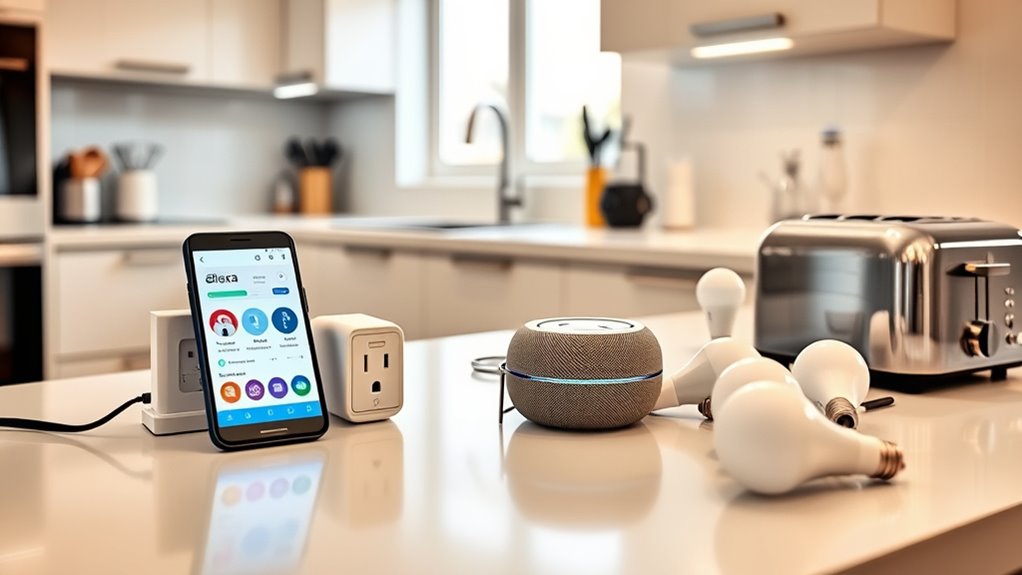
To add your kitchen gadgets to the Alexa or Google Home app, start by checking if they’re compatible with your smart home ecosystem. Next, follow the app’s setup process to connect the devices, making sure they’re on the same Wi-Fi network. Additionally, ensure that your devices support affiliate disclosure to facilitate seamless integration. You can also enhance your setup by considering the color accuracy of your devices, which can influence how well they blend into your smart home environment. Finally, assign each gadget to a specific room to keep your smart home organized and easy to control.
Device Compatibility Checks
Before adding a new device to your Alexa or Google Home app, it’s vital to verify that it’s compatible with your smart home ecosystem. Compatibility ensures smooth voice control and reliable device updates, preventing frustration later. To check, consider these factors:
- Supported device brands and models listed on the app’s compatibility page
- Whether the device uses standard protocols like Zigbee, Z-Wave, or Wi-Fi
- Required firmware or software versions for peak performance
- Compatibility with your voice assistant’s current version
- User reviews and manufacturer specifications for confirmed compatibility
Ensuring compatibility helps your gadgets respond seamlessly to voice commands and receive necessary device updates, keeping your kitchen smart and efficient. Skipping this step could lead to connectivity issues or limited functionality down the line.
App Setup Process
Setting up your smart kitchen gadgets in the Alexa or Google Home app is a straightforward process that guarantees your devices can be controlled seamlessly. First, open the app and select “Add Device” or the “+” icon. Follow the prompts to connect your gadget by selecting its category and brand, which supports smart device integration. Once connected, you can customize voice commands to make controlling your devices easier and more intuitive. The app guides you through linking accounts or entering setup codes if necessary. Ensuring proper setup now allows for smooth operation and personalized voice command customization later. Take your time to verify each device’s connection, and you’ll enjoy a more integrated, voice-controlled kitchen experience.
Assigning Devices to Rooms
Once your devices are connected to the app, organizing them into specific rooms helps streamline control. You can do this by assigning device labeling and room naming within the app settings. Proper labeling makes it easier to identify each gadget quickly. Room naming helps you control multiple devices in the same space more efficiently. To assign devices to rooms, you might:
- Select the device in the app’s device list
- Tap edit or settings for that device
- Choose or create a room name that fits
- Confirm the device labeling matches its location
- Repeat for all connected gadgets
This setup simplifies voice commands and ensures your kitchen gadgets respond accurately based on their assigned room. Clear room naming and device labeling make managing your smart home seamless.
Linking Specific Kitchen Gadgets to Alexa or Google Home
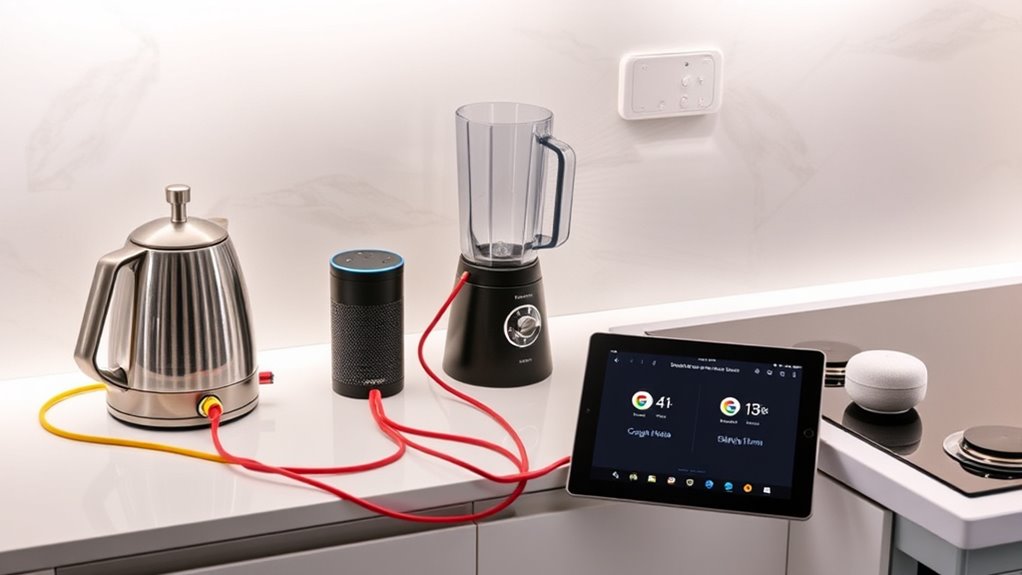
Connecting specific kitchen gadgets to Alexa or Google Home typically involves installing the manufacturer’s app, ensuring your device is compatible, and then linking it through the voice assistant’s app. This process facilitates smart appliance integration, allowing you to control your gadgets effortlessly. Once linked, you can customize voice commands to suit your preferences, making everyday tasks more convenient. Check that your device supports compatibility with your chosen voice assistant before starting. Open the voice assistant app, select “Add Device,” and follow the prompts to connect your kitchen gadget. Some devices may require a firmware update or Wi-Fi connection. After successful linking, test the setup by issuing a voice command to confirm your gadget responds correctly, enhancing your smart kitchen experience. Understanding device compatibility is essential to ensure a smooth setup process. Additionally, verifying Wi-Fi network requirements can prevent connectivity issues during setup, and ensuring your device supports network standards can help avoid future connectivity problems. To streamline the process, reviewing the compatibility list provided by the manufacturer can save time and frustration. Confirming that your Wi-Fi network supports smart device protocols can further ensure reliable operation.
Creating Routines and Voice Commands for Your Devices
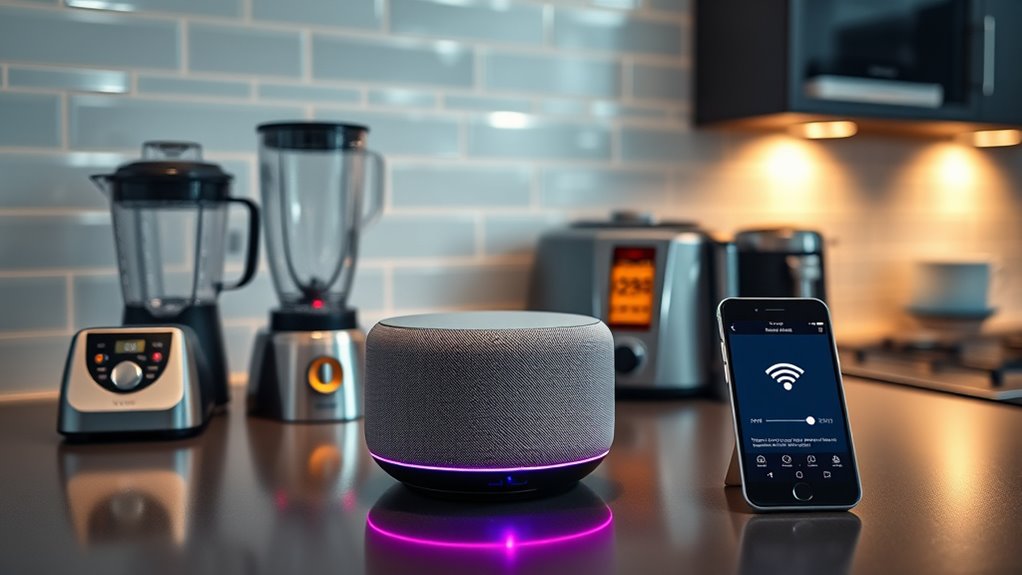
Creating routines and voice commands for your devices allows you to automate everyday tasks and control your smart kitchen effortlessly. By customizing voice commands, you can streamline your daily routine and save time. Routine automation strategies help you set up sequences that activate with a single command, making your kitchen smarter. Incorporating home automation principles can enhance your setup and improve overall efficiency. Imagine saying, “Start dinner prep,” and having your smart oven, lighting, and coffee maker work together automatically. You can also create specific voice command customization for different times of the day. Here are some ideas to get started:
- Turning on kitchen lights and coffee maker with one command
- Setting a dinner prep routine with timers and appliance controls
- Activating a cleaning mode after cooking
- Adjusting lighting based on time or mood
- Scheduling device actions for mornings or evenings
Additionally, understanding smart device compatibility can help ensure your gadgets work seamlessly together and respond reliably to your commands. Proper integration of smart home ecosystems can further optimize your setup and enhance user experience.
Troubleshooting Common Connection Issues

If your kitchen gadgets aren’t connecting properly, start by checking your Wi-Fi connection to verify it’s stable. Make sure the device is compatible with your app and voice assistant, as compatibility issues can prevent successful setup. Sometimes, updating the app or restarting your router can resolve these common connection problems quickly.
Wi-Fi Connectivity Checks
Wi-Fi connectivity issues are a common hurdle when setting up kitchen gadgets with Alexa or Google Home. To troubleshoot, start by checking your Wi-Fi signal strength—weak signals can cause disruptions. Ensure your smart device security protocols aren’t blocking the connection. Confirm that your gadget has the latest firmware updates, as outdated software can prevent proper pairing. Restart your router and device to refresh the connection, and verify your network settings to prevent IP conflicts. Also, keep your Wi-Fi network on a 2.4 GHz band if your device requires it. These quick checks help maintain a stable connection, making setup smoother and reducing frustration during integration.
App and Device Compatibility
Even with a strong Wi-Fi connection, compatibility issues between your smart device and the app or platform can prevent successful setup. Device compatibility is essential for seamless voice control and smooth operation. Make sure your kitchen gadget is listed as compatible with Alexa or Google Home before attempting to connect. Check the manufacturer’s app for compatibility details, including supported platforms and firmware requirements. If your device isn’t compatible, it won’t respond to voice commands or integrate into your smart home system effectively. Updating the device firmware or the app can sometimes resolve these issues. Remember, not all gadgets work with both Alexa and Google Home, so verify compatibility with your preferred platform to avoid frustration during setup.
Enhancing Your Smart Kitchen With Additional Devices
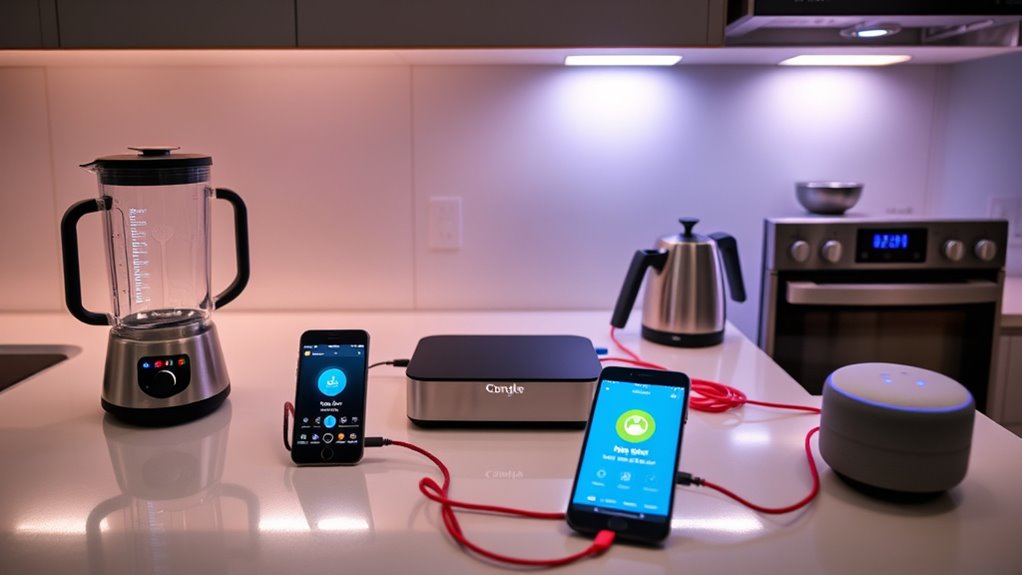
Adding more smart devices to your kitchen can substantially enhance convenience and efficiency. You can create a seamless smart kitchen design that simplifies daily tasks and boosts appliance energy efficiency. Think beyond basic gadgets and consider devices like:
- Smart lighting that adjusts based on time or activity
- Wi-Fi-enabled coffee makers for morning routines
- Smart thermometers for precise cooking
- Automated blinds to control natural light
- Voice-controlled garbage disposals for quick cleanup
These additions help streamline your space, making it more functional and eco-friendly. With the right devices, you’ll enjoy a smarter, more connected kitchen that adapts to your lifestyle, saving you time and energy while improving overall usability.
Tips for Maintaining and Securing Your Smart Kitchen Setup
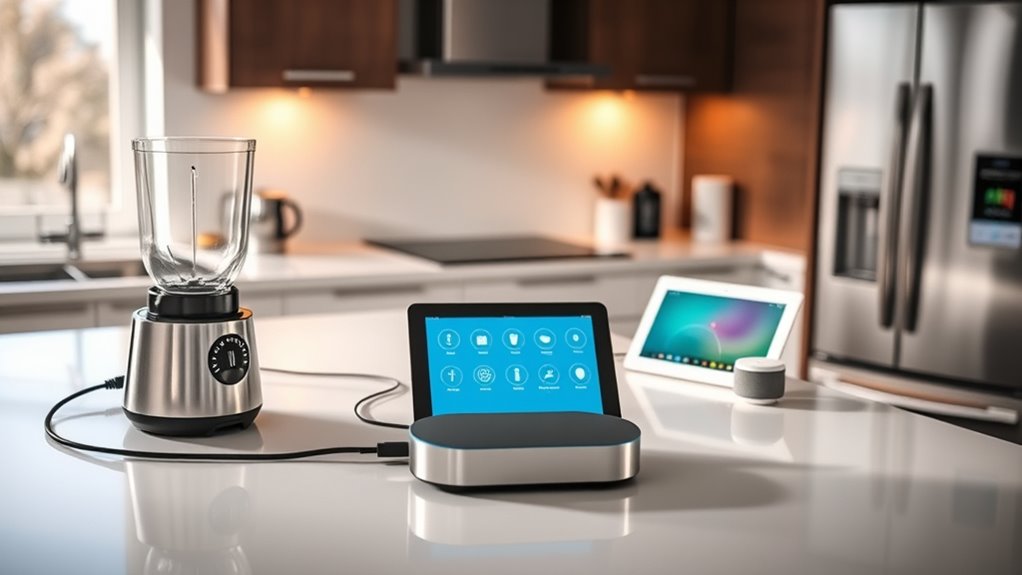
To keep your smart kitchen secure and functioning smoothly, regular maintenance and vigilant security practices are essential. Start by performing routine kitchen appliance upgrades to ensure your devices run efficiently and stay compatible with your system. Regularly update the firmware and software for your smart devices to patch security vulnerabilities and improve performance. Properly secure your Wi-Fi network with a strong password to prevent unauthorized access. Take advantage of smart device energy savings features to reduce power consumption and lower costs. Additionally, monitor connected devices for unusual activity and disconnect any that seem compromised. By staying proactive with maintenance and security, you’ll protect your smart kitchen setup while enjoying seamless operation and the benefits of energy-efficient, upgraded appliances.
Frequently Asked Questions
Can I Connect Multiple Brands of Kitchen Gadgets Simultaneously?
Yes, you can connect multiple brands of kitchen gadgets simultaneously. Many smart home platforms support multi-brand compatibility, allowing you to control various devices from different brands at the same time. You’ll need a compatible hub or voice assistant that offers simultaneous device control, so your gadgets work together seamlessly. Just make certain each device is compatible with your chosen system, and you’ll enjoy effortless control over all your kitchen gadgets.
Do I Need a Subscription for Advanced Features?
Consider your smart home a garden; basic tools grow your setup, but premium features are the rare seeds. You don’t need a subscription plan for essential functions, but if you crave advanced features like routines or more control, a subscription grants these. Think of it as investing in the richer soil—your gadgets flourish more fully with access to premium features, elevating your kitchen’s intelligence and convenience.
How Secure Is My Smart Kitchen Setup From Hacking?
Your smart kitchen setup is generally secure, but privacy concerns remain. To protect yourself from hacking, verify your devices support strong encryption and keep firmware updated. Be aware that some devices might have compatibility issues, so choose trusted brands. Regularly review device permissions and network security. Staying vigilant helps safeguard your privacy and keeps your smart gadgets protected from unauthorized access.
Can I Control Devices Remotely Without Internet Access?
You can’t control your devices remotely without internet access, but offline control is possible through your local network. If your smart kitchen gadgets support local control, you can operate them directly within your Wi-Fi network using a compatible app or device. Keep in mind, this setup keeps your devices functional even when the internet is down, but remote access from outside your home won’t be available without an internet connection.
Are There Energy-Saving Benefits With Smart Kitchen Devices?
Think of your smart kitchen devices as a well-tuned orchestra, each playing a part in harmony. Yes, they offer energy-saving benefits, boosting energy efficiency and reducing waste. Eco-friendly appliances help you cut costs and lower your carbon footprint. By using these devices wisely, you turn your kitchen into a sustainable symphony, saving money and protecting the environment at the same time.
Conclusion
By connecting your kitchen gadgets to Alexa or Google Home, you’re turning your space into a symphony of convenience. Imagine a world where a simple voice command orchestrates your entire kitchen—it’s within reach. With a little setup and patience, your smart kitchen becomes a seamless extension of your daily life. So, why not take the first step today? After all, isn’t life better when you’re in tune with your home?
Fall Picks
fall essentials
As an affiliate, we earn on qualifying purchases.