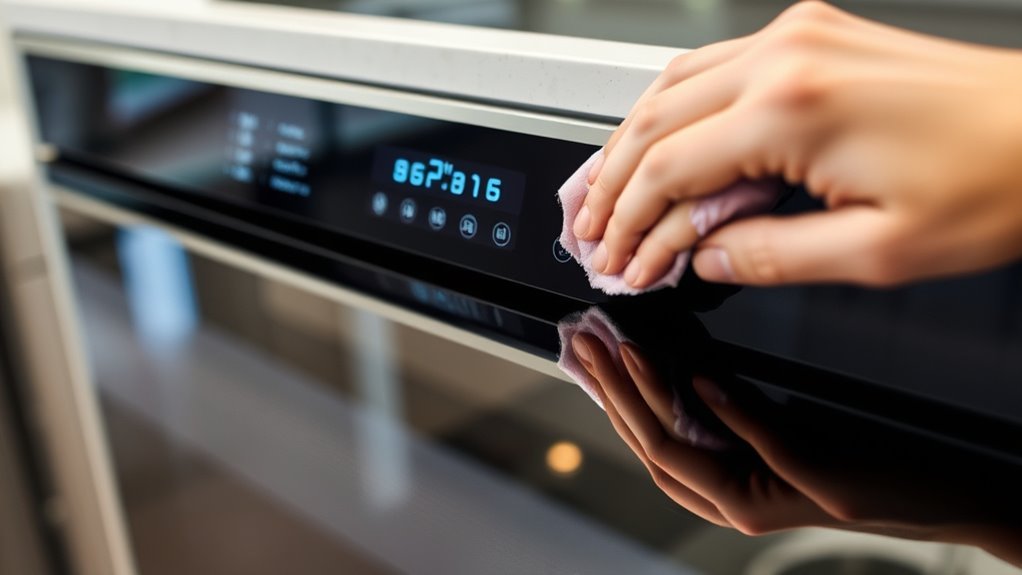

To clean your smart oven’s touchscreen safely, first turn off and unplug the appliance, then dust gently with a soft cloth. Use a microfiber cloth dampened with a mild, electronics-safe cleaner, avoiding sprays directly on the screen. Wipe in straight lines with light pressure, and dry thoroughly with a dry cloth. Avoid harsh chemicals or abrasive tools—these can cause damage. For more detailed tips, keep exploring the best ways to keep your display pristine.

Get kitchen gear delivered free — and shop member deals
- Fast, free delivery on millions of items
- Access to Prime Big Deal Days deals on October 6–7
- Prime Video, Amazon Music and more included
Key Takeaways
- Always unplug the oven and let it cool completely before cleaning the touchscreen.
- Use a damp microfiber cloth with a mild, electronics-safe cleaner; never spray directly onto the screen.
- Wipe gently in straight lines with minimal pressure, avoiding circular motions or abrasive materials.
- Dry the screen thoroughly with a clean, dry microfiber cloth and ensure no moisture remains before reconnecting power.
- Avoid harsh chemicals, alcohol-based cleaners, or rough tools to prevent damage and maintain screen integrity.
electronics-safe microfiber cleaning cloth
As an affiliate, we earn on qualifying purchases.
As an affiliate, we earn on qualifying purchases.
Preparing Your Oven for Safe Cleaning
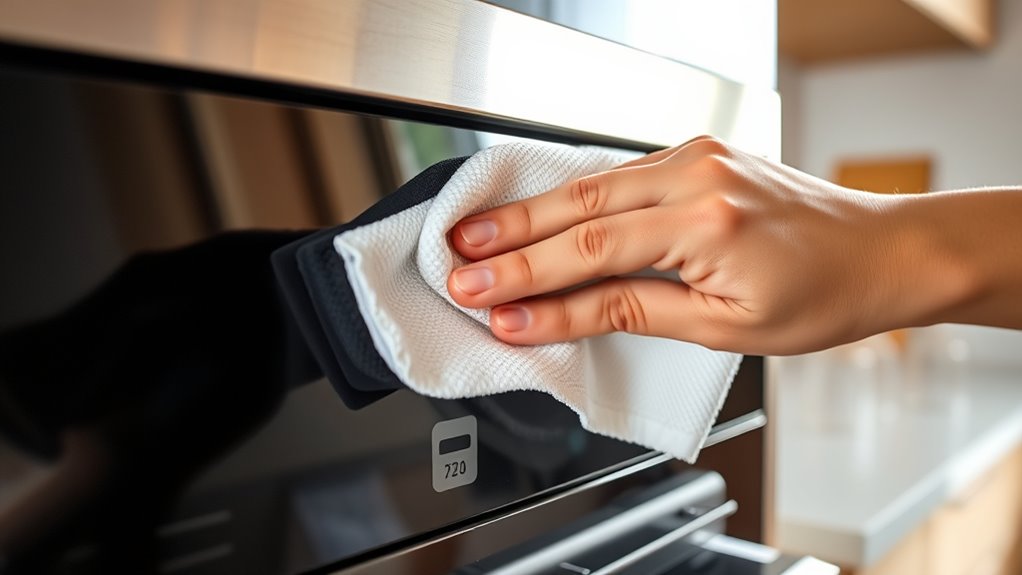
Before you begin cleaning your smart oven’s touchscreen, it is essential to prepare the appliance for safety and effectiveness. First, make certain the oven has cooled completely to avoid burns or damage. Unplug the appliance from the power outlet to eliminate electrical risks. Keep water and cleaning solutions away from the power cord and electrical components. Remove any loose debris or dust from the touchscreen surface with a dry, soft cloth to prevent scratching during cleaning. Consult your manufacturer’s manual for model-specific precautions or instructions. Taking these steps minimizes the risk of electrical shock, damage, or dirt smudging the screen, guaranteeing a safe and thorough cleaning process. Proper preparation sets the foundation for a safe, effective, and damage-free touchscreen cleaning. Additionally, reviewing electrical safety guidelines can help you understand the importance of proper handling and maintenance to prevent hazards during cleaning. Being aware of electrical safety principles ensures you handle the device safely throughout the cleaning process. Always remember that proper maintenance extends the lifespan of your smart appliances and ensures optimal performance. Incorporating preventive measures can further protect your device from accidental damage during cleaning. Being mindful of safe cleaning practices can also help you avoid unintended damage to sensitive components.
screen cleaner for smart appliances
As an affiliate, we earn on qualifying purchases.
As an affiliate, we earn on qualifying purchases.
Selecting the Right Cleaning Agents and Tools
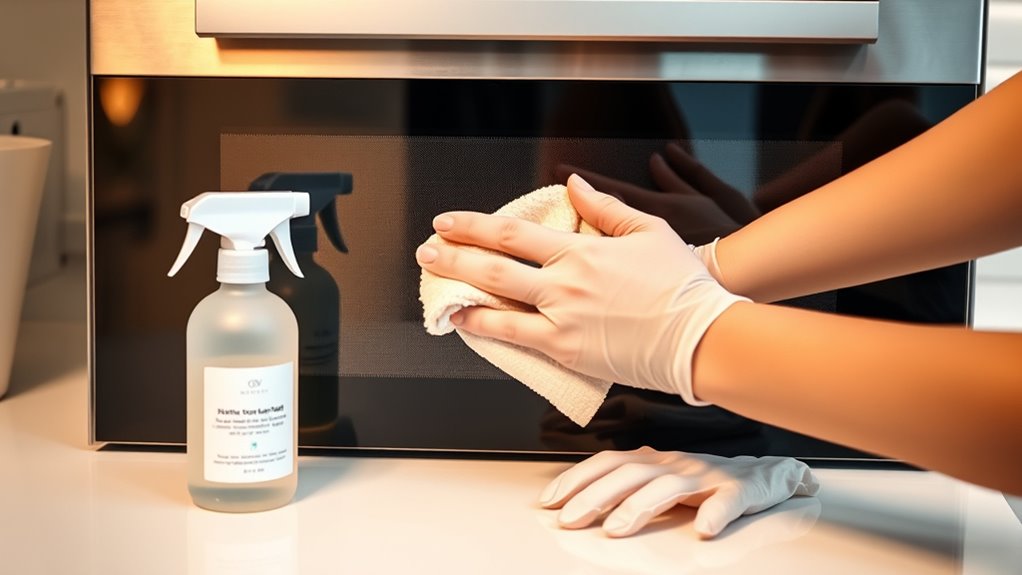
Choosing the right cleaning agents and tools guarantees your smart oven’s touchscreen stays safe and damage-free. Use only mild detergents or electronics-safe screen cleaners—avoid abrasive, ammonia-based, or alcohol solutions that can harm the surface. Always apply the cleaner to a soft microfiber cloth, never directly onto the screen, and use only a small amount to prevent liquid seepage. For cleaning, opt for soft, lint-free microfiber cloths—never paper towels, tissues, or rough fabrics—that won’t scratch or leave residue. Ascertain your cloths are clean and free of particles before use. For crevices or hard-to-reach areas, use non-abrasive plastic tools. Selecting gentle, compatible cleaning agents and tools helps maintain your touchscreen’s clarity and longevity. Additionally, understanding the Free Floating concept can help you avoid unnecessary damage by keeping the screen free from debris and moisture. Proper screen maintenance techniques can significantly extend the lifespan of your device, especially when considering the importance of battery backup to ensure uninterrupted operation during cleaning. Being aware of net worth and personal branding efforts, like those of Kate from Breaking Amish, can also inspire you to invest in the right tools for device care. Recognizing the importance of data integrity in digital devices underscores the need for careful cleaning practices to prevent damage and preserve device functionality.
non-abrasive plastic tools for cleaning screens
As an affiliate, we earn on qualifying purchases.
As an affiliate, we earn on qualifying purchases.
Step-by-Step Guide to Gently Wipe the Touchscreen
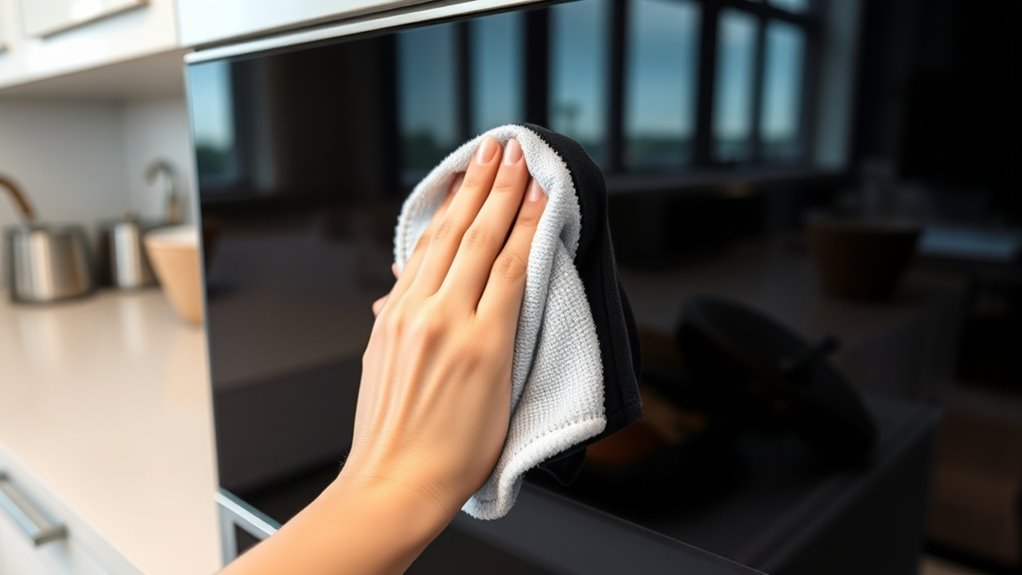
To gently wipe your smart oven’s touchscreen, start by dampening a soft microfiber cloth with a small amount of mild cleaning solution. Make certain the cloth is moist, not soaked, to prevent liquid from seeping into the device. Gently place the cloth on the screen and wipe in straight-line motions, avoiding circular scrubbing. Apply minimal pressure to prevent damage to the delicate surface. Cover the entire touchscreen area, making sure to clean all sections evenly. If you encounter stubborn spots, re-dampen a fresh part of the cloth and repeat gently. Never spray liquids directly onto the screen. Keep your movements light and controlled, focusing on removing smudges and fingerprints without pressing hard. This careful approach helps maintain your touchscreen’s clarity and longevity. Proper cleaning techniques are essential for safeguarding your device’s functionality and lifespan. Additionally, using appropriate cleaning tools helps prevent scratches and damage over time. Being mindful of device safety practices ensures your smart oven remains protected during cleaning, especially since cleaning delicate electronics requires careful handling. Regularly checking manufacturer guidelines can also help you stay aligned with best practices for your specific model.
microfiber cloth for electronic screens
As an affiliate, we earn on qualifying purchases.
As an affiliate, we earn on qualifying purchases.
Proper Drying Techniques to Prevent Damage
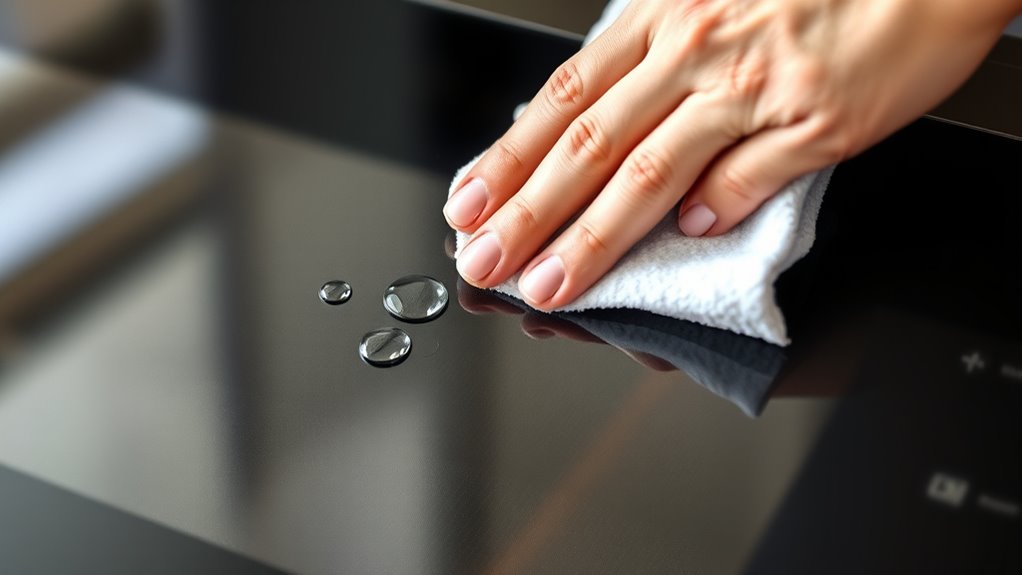
After wiping the screen, use a dry microfiber cloth to remove any remaining moisture. Make sure the oven is completely air-dried for at least five minutes before reconnecting the power. Always double-check the edges and seams to guarantee no moisture is left, preventing potential damage. To further protect your device, avoid using harsh cleaning agents or abrasive materials that could damage the touchscreen.Proper drying techniques] are essential for maintaining the longevity of your smart oven’s touchscreen.
Use a Dry Microfiber Cloth
Using a dry microfiber cloth is essential for properly drying your touchscreen without causing damage. After cleaning, gently wipe the screen in straight-line motions to remove any remaining moisture. Avoid pressing too hard, as excessive pressure can damage the delicate surface. Make certain you cover all areas, including edges and seams, to prevent streaks and water spots. Use a fresh section of the cloth if needed to avoid redistributing dirt or residue. Keep the cloth dry at all times—never reuse a damp or wet microfiber. It’s important to be gentle, as aggressive rubbing can lead to scratches or pixel damage. Proper drying with a clean, dry microfiber ensures your screen stays clear, streak-free, and safe from harm. Additionally, ensuring your screen is completely dry helps prevent water spots and potential electrical issues. Utilizing appropriate cleaning tools helps maintain the longevity and performance of your touchscreen. Regularly inspecting your microfiber cloth for signs of wear can also help prevent microfiber deterioration that could scratch your screen. Being cautious about screen cleaning techniques further supports the durability of your device.
Air Dry Completely Before Power
Once you’ve dried the touchscreen with a clean microfiber cloth, it’s important to make certain the surface is completely dry before reconnecting the power. This step prevents any residual moisture from causing electrical issues or damage. To ensure thorough drying, do the following:
- Wait at least five minutes after wiping, giving the surface time to air dry fully.
- Check edges and seams for any lingering dampness or streaks.
- Gently feel the surface to confirm it’s dry to the touch before plugging the oven back in.
- Proper drying techniques are essential to prevent moisture buildup that can harm your smart oven’s electronics. Using appropriate cleaning methods can help avoid introducing excess moisture during cleaning. Additionally, ensuring good air circulation around the device can facilitate faster and more even drying.
Taking these extra moments helps safeguard your smart oven’s electronics. Rushing this process risks short circuits, corrosion, or costly repairs. Patience now prevents problems later.
Check for Remaining Moisture
How can you be sure the touchscreen is completely dry before reconnecting power? First, inspect all edges and seams for any lingering moisture or streaks. Run your fingers gently along the surface to check for dampness or residue. Use a dry microfiber cloth to wipe away any remaining water or streaks, paying close attention to corners and crevices. Hold the screen up to the light to spot any shiny spots or droplets. Avoid rushing this step; moisture can cause short circuits or damage when power is restored. If you notice any dampness, wait a few more minutes, then recheck. Ensuring the surface is thoroughly dry prevents potential electrical issues and prolongs your oven’s lifespan. Never reconnect power until you’re confident the screen is completely dry.
Common Mistakes to Steer Clear Of During Cleaning
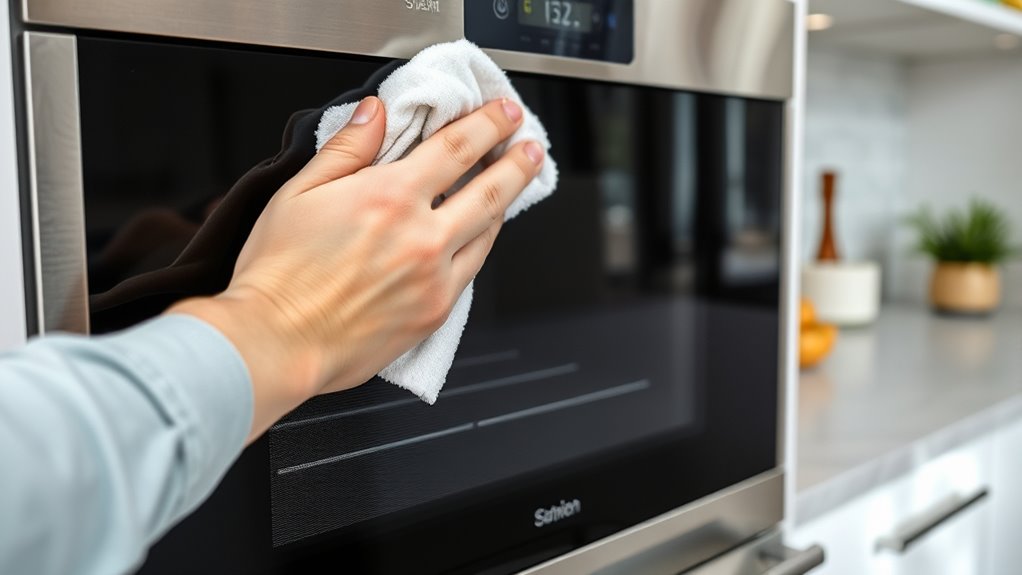
One common mistake is spraying liquids directly onto the touchscreen, which can cause liquid to seep into the device and damage internal parts. Using harsh chemicals or abrasive cleaners can also harm the screen’s coating and reduce its lifespan. To avoid these issues, always apply cleaning solutions to a cloth and stick to manufacturer-approved products. Additionally, understanding the importance of visual and auditory cues in learning can help users recognize the signs of potential damage early on. Being aware of regional cultural activities can also inform proper maintenance practices by noting how environmental factors might affect the device’s condition over time. Proper knowledge of cookie categories and their functions can further guide users in managing their privacy settings effectively during online maintenance routines. Recognizing thermal behavior and how it interacts with cleaning methods can further ensure the longevity of your smart oven’s touchscreen.
Spraying Liquids Directly
Did you know that spraying liquids directly onto your smart oven’s touchscreen can cause serious damage? When you spray, liquid can seep into the edges or behind the screen, leading to malfunction or permanent damage. To prevent this, keep these mistakes in mind:
- Never spray cleaning solutions directly onto the screen. Always spray onto a cloth first.
- Avoid using excessive amounts of liquid, which increases the risk of seepage.
- Don’t apply cleaning solutions near the edges or seams where liquid can find its way inside.
Instead, lightly dampen a microfiber cloth and gently wipe the screen. This method ensures you clean effectively without risking costly damage or voiding your warranty.
Using Harsh Chemicals
Using harsh chemicals on your smart oven’s touchscreen can cause irreversible damage and compromise its functionality. Avoid using ammonia-based, alcohol-based, or abrasive cleaners, as they can strip away protective coatings or scratch the surface. Never apply these solutions directly to the screen; instead, dampen a microfiber cloth with a mild, electronics-safe cleaner. Excessive chemical use or strong agents can seep into the device, leading to malfunction or permanent discoloration. Always follow the manufacturer’s recommendations and opt for gentle, approved cleaning products. Remember, less is more—use minimal amounts of cleaning solutions and avoid harsh substances altogether. By steering clear of harsh chemicals, you protect your smart oven’s touchscreen and ensure it remains clear, responsive, and damage-free over time.
Additional Tips for Maintaining Your Smart Oven’s Display
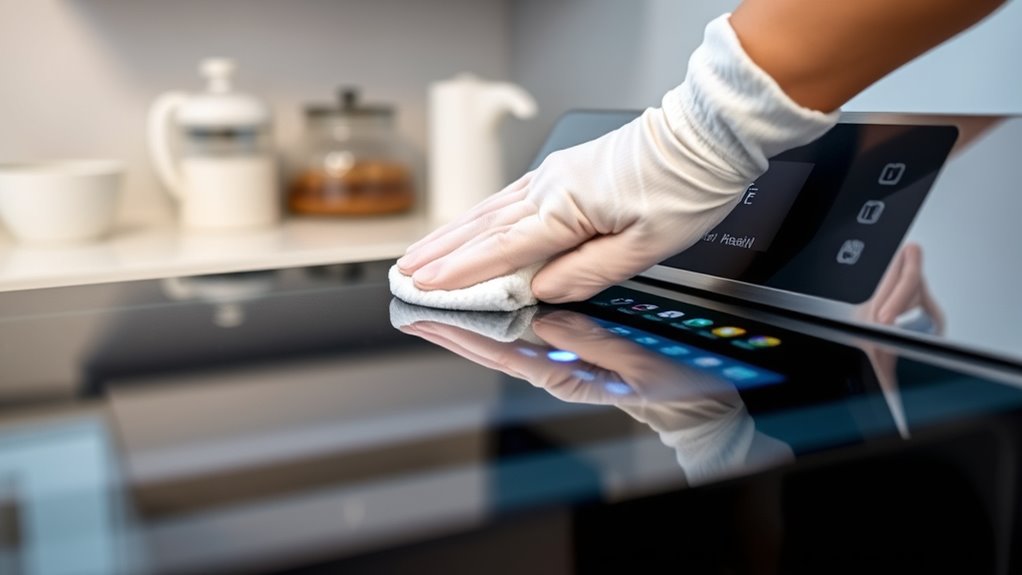
To keep your smart oven’s display in ideal condition, regular maintenance beyond cleaning is essential. Consistently protecting the screen helps prevent damage and keeps it functioning smoothly.
Here are some additional tips:
- Avoid direct sunlight exposure — prolonged sunlight can cause fading or discoloration over time.
- Keep the area around the oven dry — moisture can seep into the display, risking internal damage.
- Use gentle touches — avoid pressing hard or using sharp objects that could scratch or crack the screen.
Regularly inspecting your display for signs of wear or residue helps catch issues early. Protecting your smart oven from environmental stressors and handling it carefully extends its lifespan and keeps the touchscreen looking new.
When to Seek Professional Assistance
Sometimes, despite your careful cleaning and maintenance efforts, issues with your smart oven’s touchscreen may persist or worsen. If you notice persistent unresponsiveness, flickering, or strange graphical glitches after cleaning, it’s time to consult a professional. Attempting to repair or force fixes yourself can sometimes cause further damage or void your warranty. If cleaning hasn’t improved touchscreen sensitivity or if you see visible damage like cracks or deep scratches, professional help is your best option. Additionally, if you suspect internal electrical issues or moisture infiltration despite following safety procedures, seek expert assistance. A qualified technician can diagnose underlying problems safely, ensuring your oven is restored without risking further harm or compromising safety. Don’t delay in seeking professional help when basic troubleshooting doesn’t resolve touchscreen issues.
Frequently Asked Questions
Can I Use a Disinfectant on My Touchscreen?
You shouldn’t use disinfectants on your touchscreen unless the manufacturer explicitly says it’s safe. Most disinfectants contain harsh chemicals that can damage the screen’s coating or cause discoloration. Instead, use a soft microfiber cloth slightly dampened with a mild, electronics-safe cleaner or distilled water. Always check your oven’s manual for specific guidance. If in doubt, consult the manufacturer to avoid risking permanent damage to your smart oven’s touchscreen.
How Often Should I Clean the Touchscreen?
You should clean your touchscreen at least once a week—otherwise, you’re risking a mountain of grime that could turn your screen into a smudged, sticky mess! Regular cleaning keeps it sparkling and responsive. If you notice fingerprints or dirt piling up faster, clean it more often. Just remember, use a gentle cloth and mild cleaner, and always power down before wiping to avoid damage.
Is It Safe to Use a Hairdryer to Dry the Screen?
Using a hairdryer to dry your touchscreen isn’t recommended. The heat and airflow can cause damage or create static that affects the screen’s electronics. Instead, you should wipe the screen with a dry microfiber cloth immediately after cleaning, then let it air dry for at least five minutes. This gentle approach guarantees the screen dries thoroughly without risking damage from excessive heat or airflow.
What Should I Do if Cleaning Residue Remains?
If cleaning residue remains, don’t panic—try gently re-wiping with a slightly damp microfiber cloth using a clean section. It’s possible the initial cleaning wasn’t thorough enough. You might also use a small amount of distilled water on the cloth for stubborn spots. Avoid applying excessive pressure or using harsh chemicals. Patience and gentle, consistent wiping usually do the trick, leaving your touchscreen clear and streak-free.
Are There Specific Cleaning Products Recommended for OLED Displays?
You should use only electronics-safe screen cleaners specifically designed for OLED displays. Avoid harsh chemicals like ammonia or alcohol-based solutions, as they can damage the screen. Apply the cleaner to a soft microfiber cloth rather than directly onto the display. Gently wipe in straight lines with minimal pressure, ensuring you don’t oversaturate the cloth. Always follow the manufacturer’s instructions to prevent any potential damage to your OLED screen.
Conclusion
By treating your smart oven’s touchscreen with care, you guarantee it stays as pristine as a knight’s shield. Avoid harsh chemicals, use gentle touches, and dry thoroughly—much like tending to a delicate masterpiece. Remember, a well-maintained display keeps your culinary adventures smooth and safe. When in doubt, don’t hesitate to call in a professional—after all, even the greatest heroes seek help sometimes. Keep your oven shining, and let your kitchen be a sanctuary of innovation.
Fall Picks
fall essentials
As an affiliate, we earn on qualifying purchases.