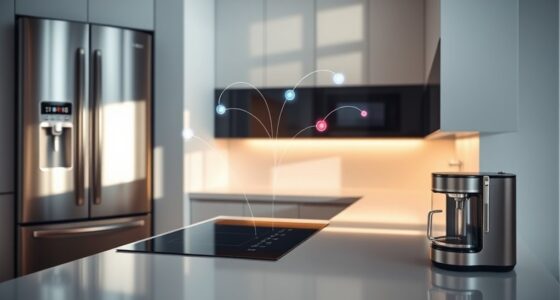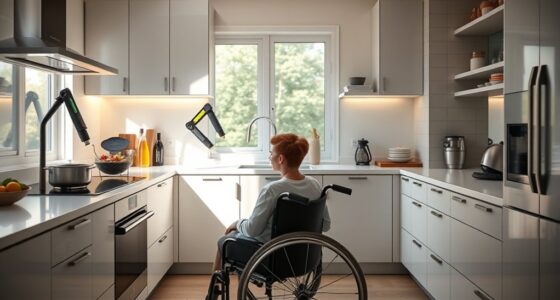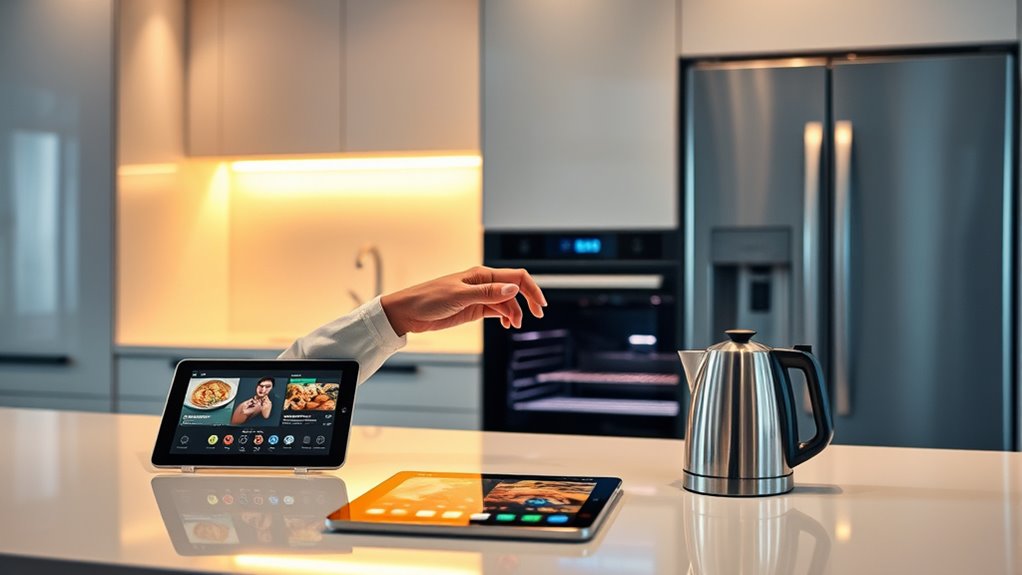

Yes, you can use your smart kitchen appliances without a smartphone for basic tasks like cooking, heating, and cleaning through physical controls such as buttons or dials. However, some smart features like remote control, scheduling, and notifications won’t work without Wi-Fi or an app. If you want to understand how offline operation and manual controls keep your appliances functional, there’s more to explore on how these features work together.
Key Takeaways
- Yes, basic functions like cooking and cleaning can be operated via physical controls without a smartphone.
- Smart features such as remote control, notifications, and recipe guidance typically require a smartphone app.
- Initial setup may need a smartphone or tablet with Wi-Fi to connect and register the appliance.
- Offline operation allows use during internet outages, but advanced features won’t be accessible without a smartphone.
- Manual controls ensure essential tasks can be performed independently of a smartphone or internet connection.

Typhur Sync Oven with Smart AI Wireless Meat Thermometer Probe, 12‑in‑1 Countertop Air Fryer Toaster Oven Combo, 360° Turbo Convection, Dehydrator, Recipe & 5 Accessories, Large 27QT, Stainless Steel
𝐁𝐞𝐬𝐭 𝐓𝐨𝐚𝐬𝐭𝐞𝐫 𝐎𝐯𝐞𝐧 𝐨𝐟 𝟐𝟎𝟐𝟔 𝐛𝐲 𝐑𝐓𝐈𝐍𝐆𝐒— 𝐑𝐚𝐧𝐤𝐞𝐝 #𝟏 𝐚𝐦𝐨𝐧𝐠 𝐭𝐨𝐚𝐬𝐭𝐞𝐫 𝐨𝐯𝐞𝐧𝐬 𝐭𝐞𝐬𝐭𝐞𝐝. 𝐑𝐓𝐈𝐍𝐆𝐒 𝐜𝐚𝐥𝐥𝐬 𝐢𝐭 "𝐭𝐡𝐞 𝐛𝐞𝐬𝐭…
As an affiliate, we earn on qualifying purchases.
As an affiliate, we earn on qualifying purchases.
Basic Functions of Smart Kitchen Appliances Without Internet

Smart kitchen appliances can perform their essential functions even when your internet is down. You can still cook, heat, and clean using the physical control panels on your appliances. Standard features like timers, temperature adjustments, and manual settings remain fully operational. ENERGY STAR certifications confirm that basic functions won’t be affected by Wi-Fi outages. Installation is similar to traditional appliances, with the added step of Wi-Fi setup mainly for smart features. You won’t lose the core capabilities, which means your appliance will continue to work reliably in everyday tasks without internet access. This ensures you can rely on your appliances for basic needs, even during connectivity issues, providing peace of mind and consistent performance. Many appliances are designed with built-in safeguards to maintain core functions independently of smart connectivity. Additionally, manufacturers often include backup controls to ensure operation during outages. To further enhance reliability, some models incorporate power management systems that allow seamless switching between Wi-Fi and manual operation during disruptions. Furthermore, understanding the air purifier maintenance dos and don’ts can help keep your appliances functioning optimally.

Minhe Smart WiFi Switch Module For Remote Appliance Control And Energy Monitoring, Compatible With Existing Electric Breaker Setup
[SMART CONTROL] Effortlessly manage your home appliances with a user-friendly app that allows you to control devices from…
As an affiliate, we earn on qualifying purchases.
As an affiliate, we earn on qualifying purchases.
The Role of Wi-Fi in Smart Features and Remote Control
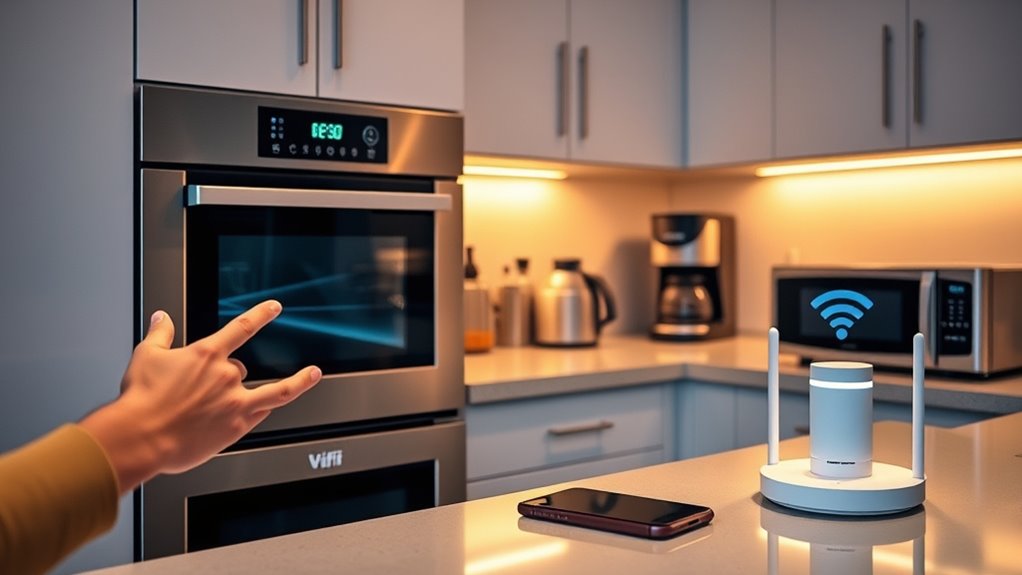
While basic functions of smart kitchen appliances operate independently of the internet, accessing advanced features relies heavily on Wi-Fi connectivity. Without Wi-Fi, your appliance can still perform standard tasks like cooking or cleaning, but smart capabilities, such as remote control or notifications, become unavailable. Your device needs a stable Wi-Fi connection to sync with apps and enable features like scheduling or voice commands. The table below highlights how Wi-Fi impacts various smart functions:
| Feature | Requires Wi-Fi | Alternative Control |
|---|---|---|
| Remote Monitoring | Yes | Physical panel |
| App-Based Programming | Yes | Manual settings |
| Voice Commands | Yes | Physical controls |
| Notifications & Alerts | Yes | Visual indicators |
| Recipe Integration | Yes | Manual input |
| System Updates & Security | Yes | None (updates require internet) |
A new sentence with system updates and security and the rest of the sentence.

4 Channels Smart Relay Switch with Dry Contact, WiFi Bluetooth APP Control Module for Lights/Appliances, Voice Automation with Alexa & Google Home, 10A per Channel, AC110V/DC5V 12V 24V Compatible
FOUR INDEPENDENT CHANNELS Controls 4 devices up to 10A per channel in NO mode or 7A in NC…
As an affiliate, we earn on qualifying purchases.
As an affiliate, we earn on qualifying purchases.
Manual Control Options and Physical Interfaces
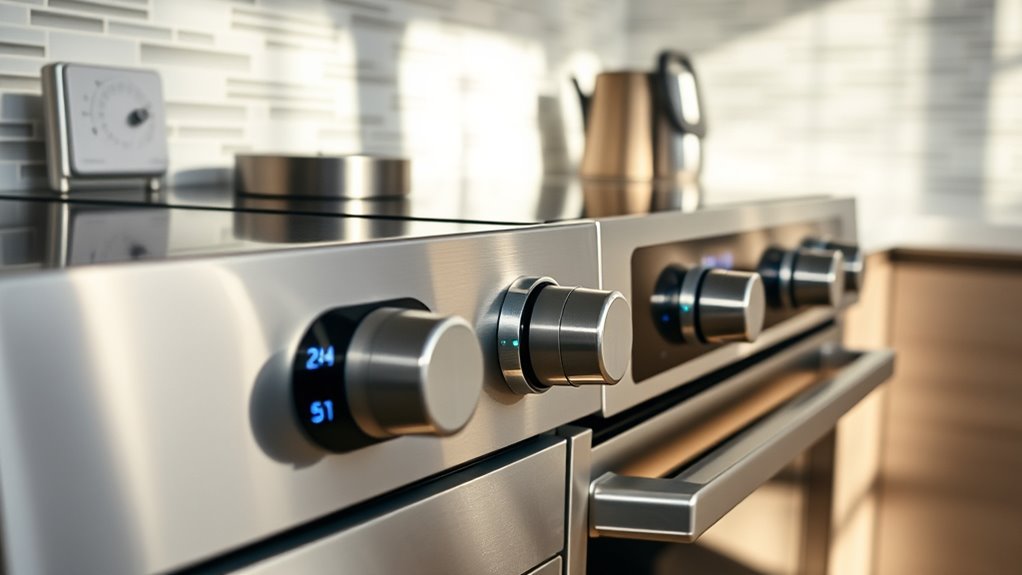
Even if your Wi-Fi goes down, you can still operate your kitchen appliances using their physical control interfaces. Most smart appliances have dedicated buttons, touch screens, or dials that let you control basic functions like turning the device on or off, adjusting temperature, or setting timers. For example, your oven’s control panel allows you to select cooking modes and set timers without internet access. Similarly, dishwashers and refrigerators feature manual buttons and knobs for everyday operation. These interfaces are designed to mimic traditional appliances, ensuring you don’t lose essential functionality during connectivity issues. Additionally, many smart appliances incorporate local automation capabilities that enable operation without relying on cloud services, providing added reliability. These manual controls are often sufficient for routine tasks, making your appliance usable even when smart features or remote access are unavailable. Moreover, physical interfaces are often more intuitive for quick adjustments, enhancing the overall user experience. This manual control functionality is a key benefit, ensuring continuous operation regardless of internet connectivity or app availability.

Avanti CK3016 Energy Star Certified Full Compact Kitchen, Built in Kitchenette Stainless Steel Counter, Two Element Cooking Range, Refrigerator & Storage, 30-Inch, White
Avanti 30” Energy Star Certified Full Compact Kitchen, Built In Kitchenette Stainless Steel Counter, Two Element Cooking Range,…
As an affiliate, we earn on qualifying purchases.
As an affiliate, we earn on qualifying purchases.
Setting Up and Installing Smart Appliances Without Smartphone Use
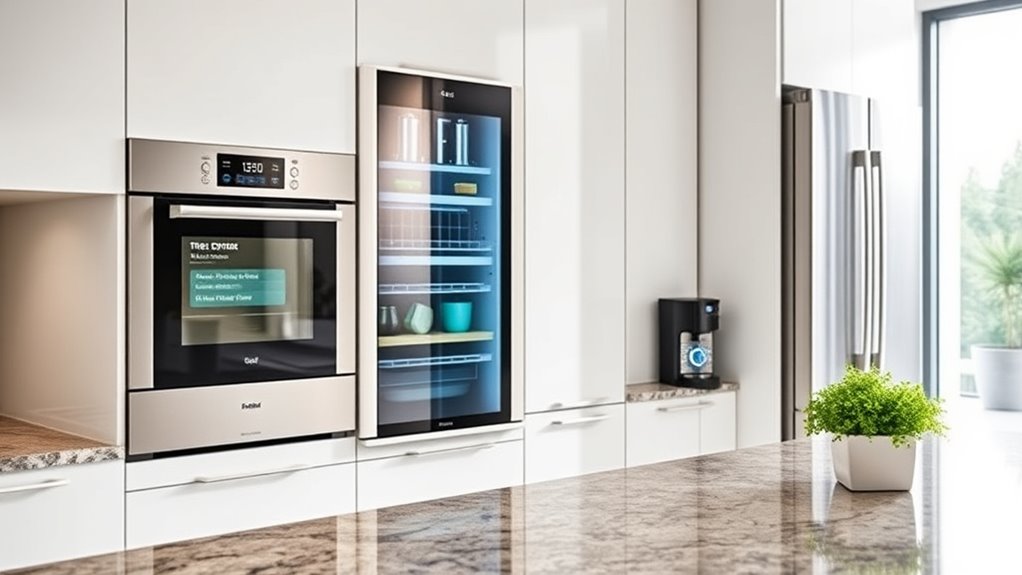
Setting up and installing smart appliances without using a smartphone is straightforward, as most models follow standard installation procedures similar to traditional appliances. You start by physically connecting the appliance—plugging it in, securing any necessary hoses or vents, and ensuring proper placement. For Wi-Fi setup, some appliances require a temporary connection to a smartphone or tablet to configure the network. This initial step often involves downloading the manufacturer’s app, creating an account, and registering the device. Once connected, you can usually complete the setup on the appliance’s control panel if it has a touch screen or physical buttons. After setup, the appliance operates normally through manual controls, with smart features accessible only when a smartphone or compatible device is connected. Understanding wiring basics can also help if any electrical adjustments are needed during installation, especially when dealing with electrical connections that may require precise wiring. Additionally, being familiar with network configuration can facilitate troubleshooting if connectivity issues arise later. Having a basic knowledge of network security can also be beneficial to protect your device and network from unauthorized access.
Limitations of Operating Smart Devices Without Connectivity
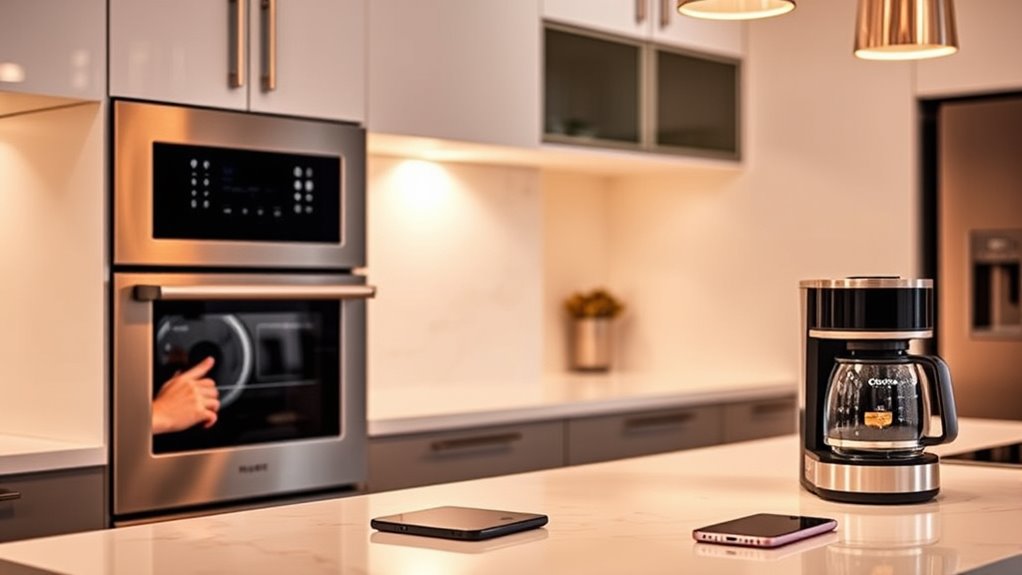
Without a smartphone connection, you lose remote control over your smart appliances and can’t access many app-based features. Basic functions like cooking timers or manual settings still work, but advanced options become unavailable. This connectivity dependency limits the full capabilities you might expect from smart kitchen devices. Additionally, without proper connectivity, you may miss out on air quality monitoring features that help ensure a healthier environment in your home. Moreover, the lack of connectivity can hinder privacy management, affecting how your data is collected and used. For example, some smart appliances rely on connectivity to perform software updates that improve security and functionality.
Remote Control Limitations
Smart kitchen appliances rely heavily on a stable Wi-Fi connection to access their advanced remote control features. Without it, your ability to operate and monitor your appliances remotely is limited. You can still use basic controls directly on the device, but features like scheduling, recipe guidance, and status alerts become unavailable. For example, you won’t be able to start your oven from your phone or receive notifications when your food is ready. The table below summarizes these limitations:
| Feature | When Wi-Fi is Down | Alternative Control | Notes |
|---|---|---|---|
| Remote start | Not available | Use physical controls | Manual operation still works |
| Status notifications | Not received | Check appliance display | No alerts or updates |
| Recipe guidance | Not accessible | Follow manual instructions | Smart features require connectivity |
| Scheduling and timers | Limited to manual control | Use appliance interface | No remote scheduling possible |
Loss of App Features
Have you ever wondered what happens to your smart kitchen appliances when the internet goes down? Without a connection, many smart features become unavailable, limiting your appliance’s full potential. You can still use basic functions like cooking, heating, and cleaning through physical controls, but advanced options like remote monitoring, recipe guidance, or customized programming require app access. Push notifications that alert you when your cycle is complete or if the door is left open won’t come through without Wi-Fi. Voice control options may still work if they’re linked directly to smart assistants, but app-based features become inaccessible. Essentially, while your appliance can still operate normally for standard tasks, the smarter, connected functions are lost until your internet connection is restored. Connectivity limitations can also affect your ability to receive updates or troubleshoot issues remotely, impacting overall device maintenance and security. Additionally, smart device updates often depend on an active internet connection, meaning your appliance may miss out on important security patches or feature enhancements during outages.
Practical Considerations for Using Smart Appliances Offline
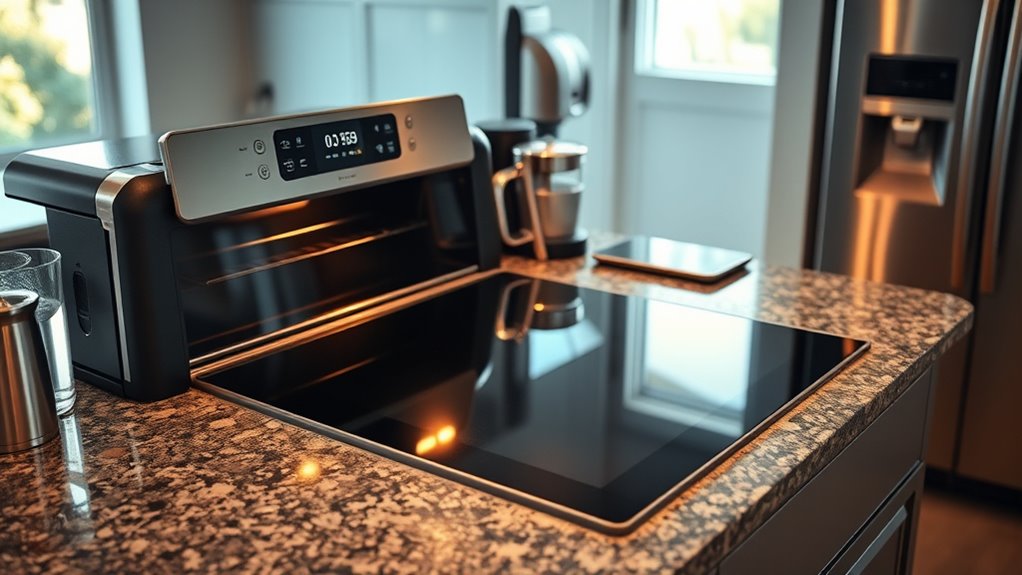
Using smart appliances offline is practical because their core functions—such as cooking, heating, and cleaning—continue to operate normally through physical controls. You can still set timers, adjust temperatures, or start cycles directly on the appliance’s control panel without internet. This means your basic tasks won’t be interrupted during Wi-Fi outages or if your smartphone isn’t nearby. Installation is similar to traditional appliances, with the added step of Wi-Fi setup for smart features. Keep in mind, though, some advanced functions like remote monitoring, notifications, or app-based recipes won’t be accessible without a connection. However, your appliance’s primary operations remain dependable. This setup ensures you can rely on your appliance for everyday use, even when offline, making smart features an added convenience rather than a necessity. Additionally, understanding ownership essentials can help you troubleshoot minor issues without needing online support. Being familiar with manual controls can further enhance your ability to operate appliances effectively during connectivity issues, especially considering smart technology is designed to complement, not replace, traditional operation methods. Developing a basic knowledge of offline operation can also provide peace of mind during unexpected outages.
Frequently Asked Questions
Can I Update Smart Appliance Firmware Without a Smartphone?
Yes, you can update your smart appliance firmware without a smartphone, but it depends on the manufacturer. Many appliances require the manufacturer’s app for firmware updates, which usually needs a smartphone or tablet. Some brands offer alternative methods like USB updates or updates through a computer. Check your appliance’s user manual or support site to see if other options are available, but generally, a mobile device makes updates more straightforward.
Are Voice Commands Available Without Internet Connection?
Think of your voice as a magic wand, but even wands need a spellbook—your internet connection. Without Wi-Fi, voice commands become silent whispers, unable to reach your smart appliances. You can still operate basic functions manually, like turning knobs or pressing buttons, but the convenience of voice control vanishes like a cloud in the sky. For full voice command magic, a stable internet connection is your essential charm.
Do Smart Appliances Remember Settings During Power Outages?
Yes, smart appliances can remember settings during power outages. You can manually program or adjust your appliances using physical control panels, touch controls, or manual buttons, just like traditional appliances. These settings stay stored internally, so when power is restored, your preferred configurations remain intact. Smart features like remote access or app-based controls won’t work during outages, but basic functions and saved settings continue without needing a smartphone or Wi-Fi.
Can I Troubleshoot Smart Appliance Issues Offline?
You can troubleshoot your smart appliance offline, but it’s tricky. Imagine flickering lights and a freezing screen — that’s when manual controls and physical buttons become your lifeline. While basic functions still work, diagnosing issues without a smartphone or Wi-Fi can be frustrating, leaving you relying on visual clues or reset procedures. Keep the manual handy; it’s your best tool when connectivity drops, guiding you through troubleshooting steps step by step.
Is There a Way to Control Smart Appliances via Physical Buttons Only?
Yes, you can control smart appliances using physical buttons or control panels. Most smart kitchen appliances have dedicated interfaces that allow you to operate basic functions like cooking, heating, or setting timers without needing a smartphone. These physical controls are designed to work independently of Wi-Fi, so even during connectivity issues, you can still manage essential operations effortlessly. This ensures you won’t be entirely dependent on your phone for everyday use.
Conclusion
While you can operate some smart kitchen appliances without a smartphone, you’re missing out on their full potential—it’s like trying to harness lightning with a candle. Without internet or app control, your device’s smartest features become limited, turning high-tech marvels into basic gadgets. If you want to truly *unleash* your appliances’ superpowers, embracing smartphone connectivity is essential. Otherwise, you’re just scratching the surface of what smart kitchen technology can do—don’t settle for less than extraordinary.